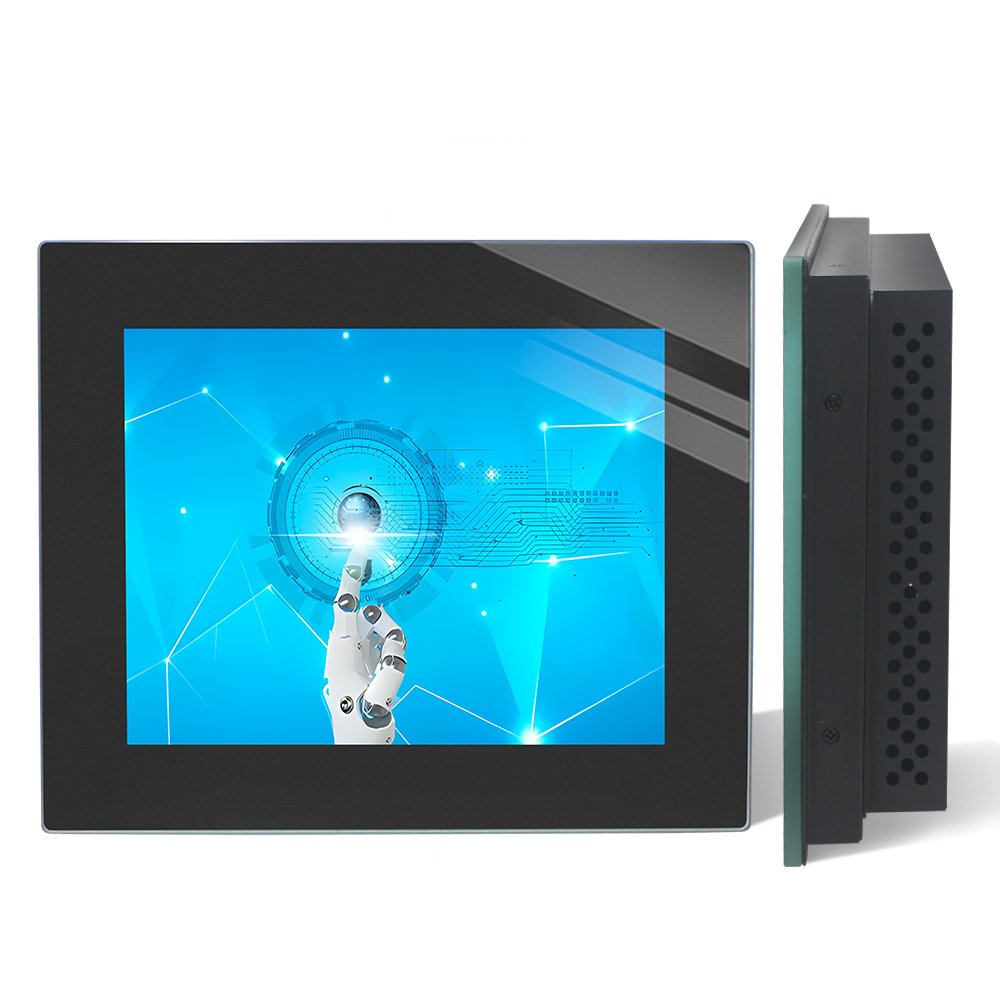
Outdoor displays for OEM equipment
Compare sunlight readable monitors and high brightness touch displays for outdoor kiosks, EV charging interfaces and industrial HMI equipment. Start with the documented 12.1- and 15-inch NW01 configurations below, or choose a different integration route for your enclosure.
EverGlory reviews the LCD, touch sensor, cover glass, optical stack and mounting together. A quoted configuration should identify its finished-display brightness, temperature limits and protection boundary before sample approval.
Compare the documented NW01 configurations
These values come from the identified model sheets. The listed luminance range is 300–1000 cd/m²; ask which value applies to your quotation and how it is measured.
| Model / size | Resolution | Listed luminance | Video / touch | Mounting reference | Next step |
|---|---|---|---|---|---|
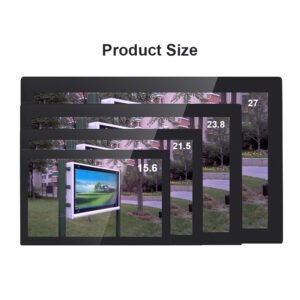
| YL-GZNW01Q121TC-V1 12.1-inch | 1280 × 800 | 300–1000 cd/m² | HDMI + VGA USB touch | VESA 100 × 100 mm | Prepare a 12.1-inch NW01 request |
| YL-GZNW01Q150TC-V1 15-inch | 1024 × 768 | 300–1000 cd/m² | HDMI + VGA USB touch | VESA 100 × 100 mm | Prepare a 15-inch NW01 request |
Obtain the current drawing, configured luminance, power, operating limits, protection scope and supply terms for the exact quoted model. A listed brightness range is a specification reference; installed sunlight performance is established with the completed assembly.
Specification sources and what to request
Page 1 of Ever Glory’s YL-GZNW01Q121TC-V1 Touchscreen Monitor and YL-GZNW01Q150TC-V1 Touchscreen Monitor sheets supports the values above. Their listed resolutions differ: 1280 × 800 and 1024 × 768.
Those pages do not state the luminance measurement method or continuous output through a specified installed cover stack. Request the controlled sheet and current configuration using the model identifier. The source documents are available by request through EverGlory.
Explore other display integration routes
The linked products below describe separate assemblies. Their exact model identities and configurations must be checked on their own; the NW01 table above is not their specification.
Outdoor touch monitor
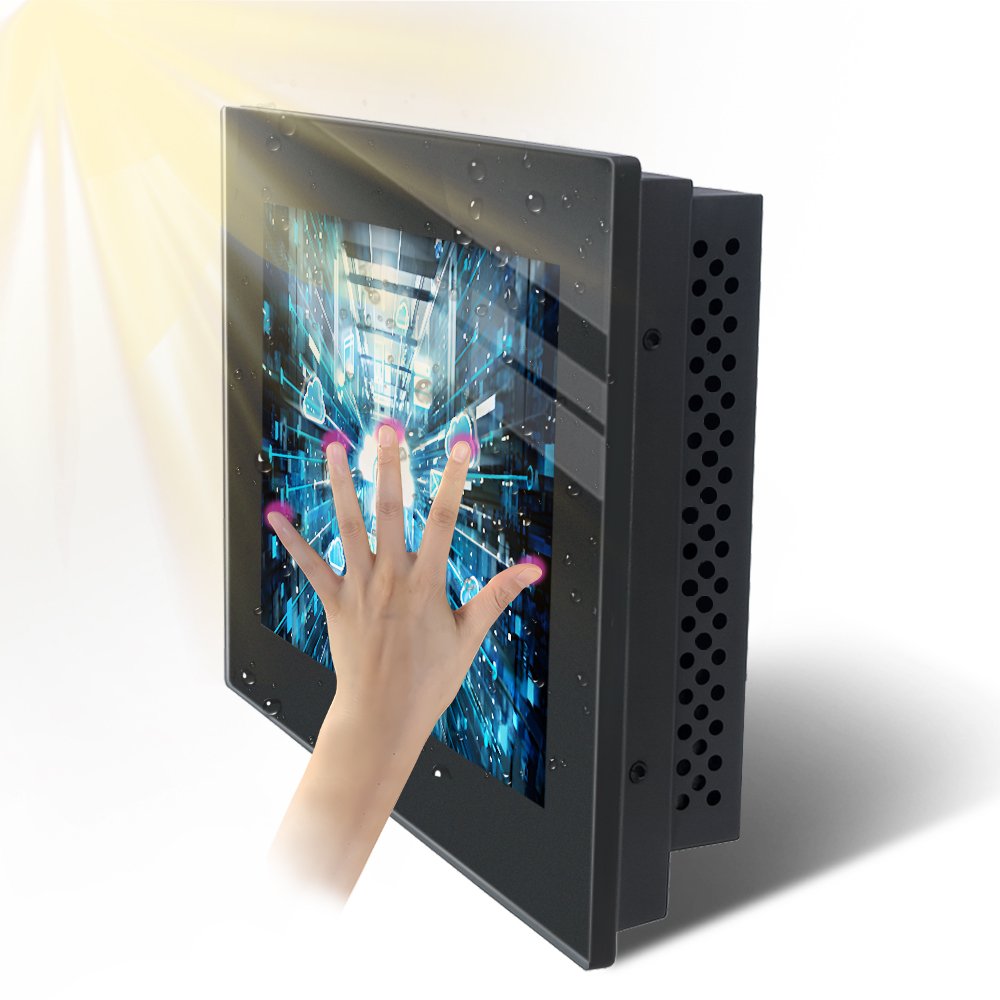
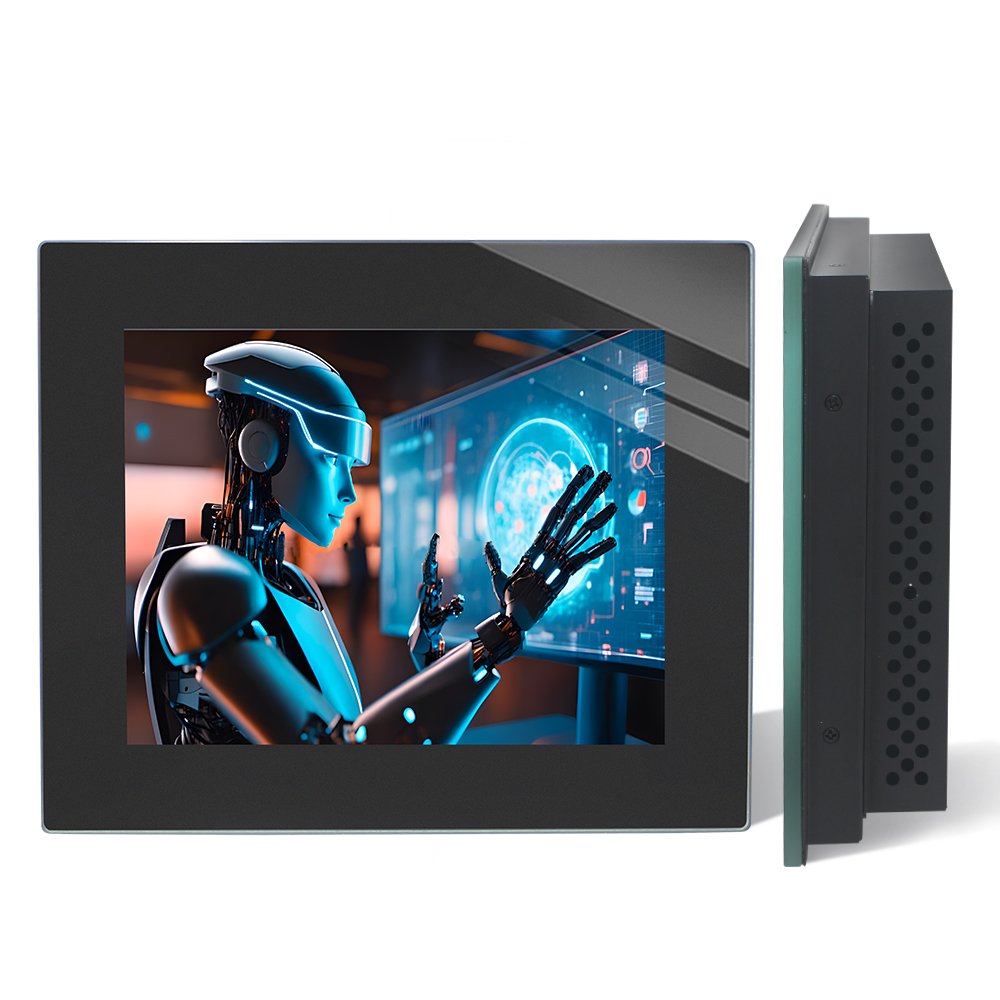
For equipment needing a display with video-input electronics and a defined mounting arrangement. Check cutout, rear depth, connector direction and field replacement.
Touch display module
For an OEM integrating the LCD and touch stack into its own housing. Identify the supported display interface, controller board and components included in supply.
Optically bonded assembly
For a design requiring control of the glass-to-LCD structure and internal reflections. Identify which interfaces are bonded and the proposed cover finish.
For other formats, browse industrial touch monitors or touch display modules.
Match the display to its exposure
| Installation | What changes selection | Check in your assembly |
|---|---|---|
| Covered kiosk or bright indoor area | Reflected sky, windows and user position. | Actual text and controls from the intended distance and angles. |
| Uncovered outdoor terminal | Direct sun adds reflection and heat; brightness can change as equipment warms. | Sustained luminance, thermal behavior and touch after temperatures stabilize. |
| Behind protective glazing | The extra window changes optical interfaces, transmission and heat flow. | The complete window, display and enclosure together. |
Use the 500-, 1000- and 1500-nit comparison guide to plan candidate checks under your actual exposure.
Specify brightness and reflection control together
A high brightness LCD supplies light, while cover glass and internal reflections affect visible contrast. Optical bonding addresses bonded internal interfaces; AG diffuses reflected light, AR reduces reflection at treated surfaces, and AF helps with fingerprints and cleaning.
Compare identical interface content, viewing angle and ambient conditions. Use the optical bonding and AG/AR/AF selection guide to decide which interfaces and finishes to evaluate. Photographs with different automatic exposures cannot establish a brightness improvement.
Check the complete mechanical and electrical fit
- Touch: define dry-finger, wet-finger, glove and unwanted-input behavior with the final controller and cover glass.
- Mounting: check cutout, gasket compression, edge support, rear clearance, cable bends and replacement access.
- Interfaces: specify video, touch and power separately. HDMI video does not provide the monitor’s separate USB touch connection.
- Protection: identify whether an ingress or impact requirement applies to the front, complete monitor or installed terminal.
- Thermal operation: include solar loading, internal electronics, airflow and any temperature-related dimming.
For payment hardware, rain behavior and maintenance, continue to the outdoor kiosk and EV charging integration guide.
Copy this model request into your inquiry
Choose a model from the table or describe the assembly you need. Complete known fields and leave uncertain requirements for engineering review. This is a blank request template.
Preferred model or integration route: To complete
Application and display size: To complete
Resolution and host video output: To complete
Touch connection / gloves / water conditions: To complete
Sun exposure / orientation / extra window: To complete
Brightness target and measurement object: To complete
Ambient range / operating hours: To complete
Cutout or enclosure drawing reference: To complete
Protection target and protected boundary: To complete
Sample quantity / production quantity / required date: To complete
Requested supplier reply: current model sheet, configured specifications,
drawing, validation scope and quotation conditions.
Move from a quote to an approved sample
- Confirm the configuration: match model, optical stack, electronics, interfaces and drawing revision to the quotation.
- Agree acceptance: define the reading and touch tasks, operating conditions and evidence needed before testing.
- Evaluate the assembled equipment: record optical, temperature, touch and electrical behavior with the intended host and enclosure.
- Control production changes: keep approved records, supply terms and replacement requirements with the selected configuration.
The outdoor display procurement guide provides the detailed selection worksheet. The test-record register identifies the scope of existing sample evidence.
Sunlight readable monitor questions
What should I check when choosing an outdoor computer monitor?
Confirm the host computer’s video output, the monitor’s supported signal and resolution, and the separate touch connection if required. Then check sunlight readability, enclosure fit, power and environmental requirements for the installed equipment.
Is a high brightness monitor automatically suitable for outdoor use?
No. Brightness addresses image visibility, while water exposure, solar heat, mounting and electrical integration create separate requirements. Evaluate the complete installed assembly.
Can I specify a 1000-nit sunlight readable display?
You can include 1000 nits as a requested target. Confirm whether the value applies to the LCD or finished assembly, how it is measured, and whether it is sustained at the required operating temperature. Test readability under the intended exposure.
Does sunlight readable mean waterproof?
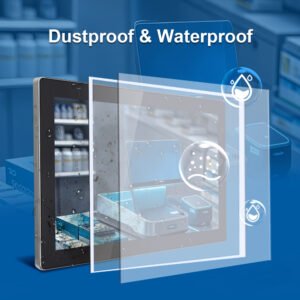
No. Sunlight readability describes optical performance. Environmental protection must identify the protected surface or enclosure and the evidence for the exact configuration.
Can EverGlory support OEM customization?
EverGlory can review cover glass, touch tuning, bonding, mounting and interface requirements for an OEM project. The confirmed specification and sample review determine the available configuration.
Sources and applicability
- Ever Glory YL-GZNW01Q121TC-V1 and YL-GZNW01Q150TC-V1 Touchscreen Monitor specification sheets, page 1. Source of the model-specific resolution, listed luminance range, interfaces and mounting values. Request the controlled copy by model identifier and confirm the quotation revision.
- EverGlory published test-record register. Identifies tested samples and report scope for the validation discussion; it does not certify the NW01 models by association.
Model values are taken from the identified specification sheets. Product availability, configured brightness and acceptance requirements are confirmed for the quoted model.
For a model specification or source-document clarification, contact EverGlory with the model or record identifier.
Get a configuration matched to your equipment
Send the model request and an enclosure drawing or installation photograph. EverGlory can use those inputs to review the display, touch and mounting requirements together.