
Quick Answer
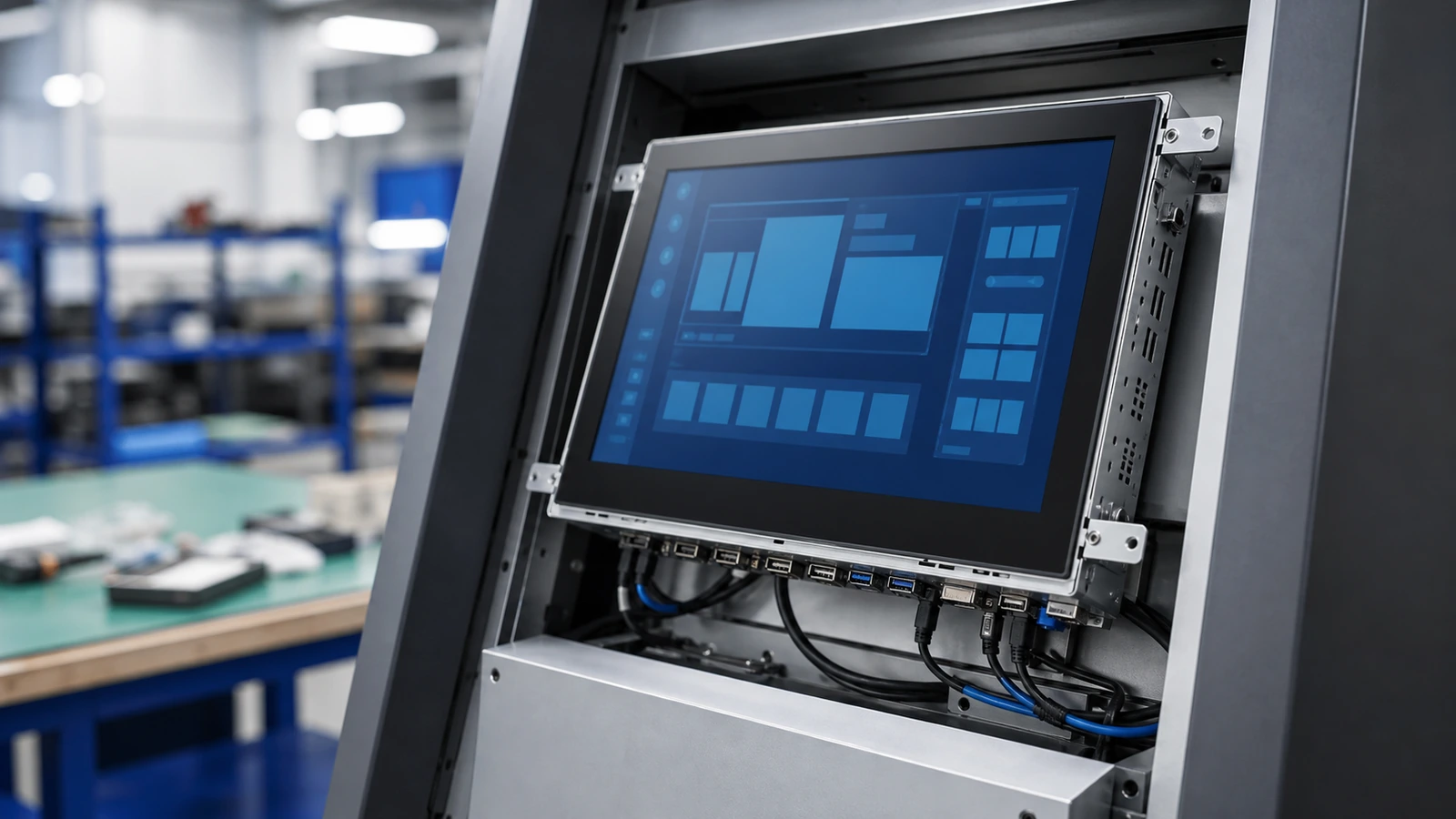
An open frame touch screen monitor for kiosk integration is designed to become part of a larger machine. Unlike a desktop monitor, it does not work alone. It must fit the cabinet, align with the front glass or bezel, connect to the host system, dissipate heat and remain serviceable after installation.
Article Map
Key Takeaways
- Open Frame Touch Screen Monitor for Kiosk Integration decisions should start from the real installation environment, not only the screen size.
- Confirm touch behavior, visibility, sealing, controller stability and mechanical fit before moving to production.
- For OEM projects, a short requirement checklist reduces redesign risk and long-term service cost.
An open frame touch screen monitor for kiosk integration is designed to become part of a larger machine. Unlike a desktop monitor, it does not work alone. It must fit the cabinet, align with the front glass or bezel, connect to the host system, dissipate heat and remain serviceable after installation.
This upgraded guide uses local materials on port orientation, housing materials, installation suggestions and industrial touch monitor design to help OEM buyers avoid common integration mistakes.
What Is an Open Frame Touch Monitor?
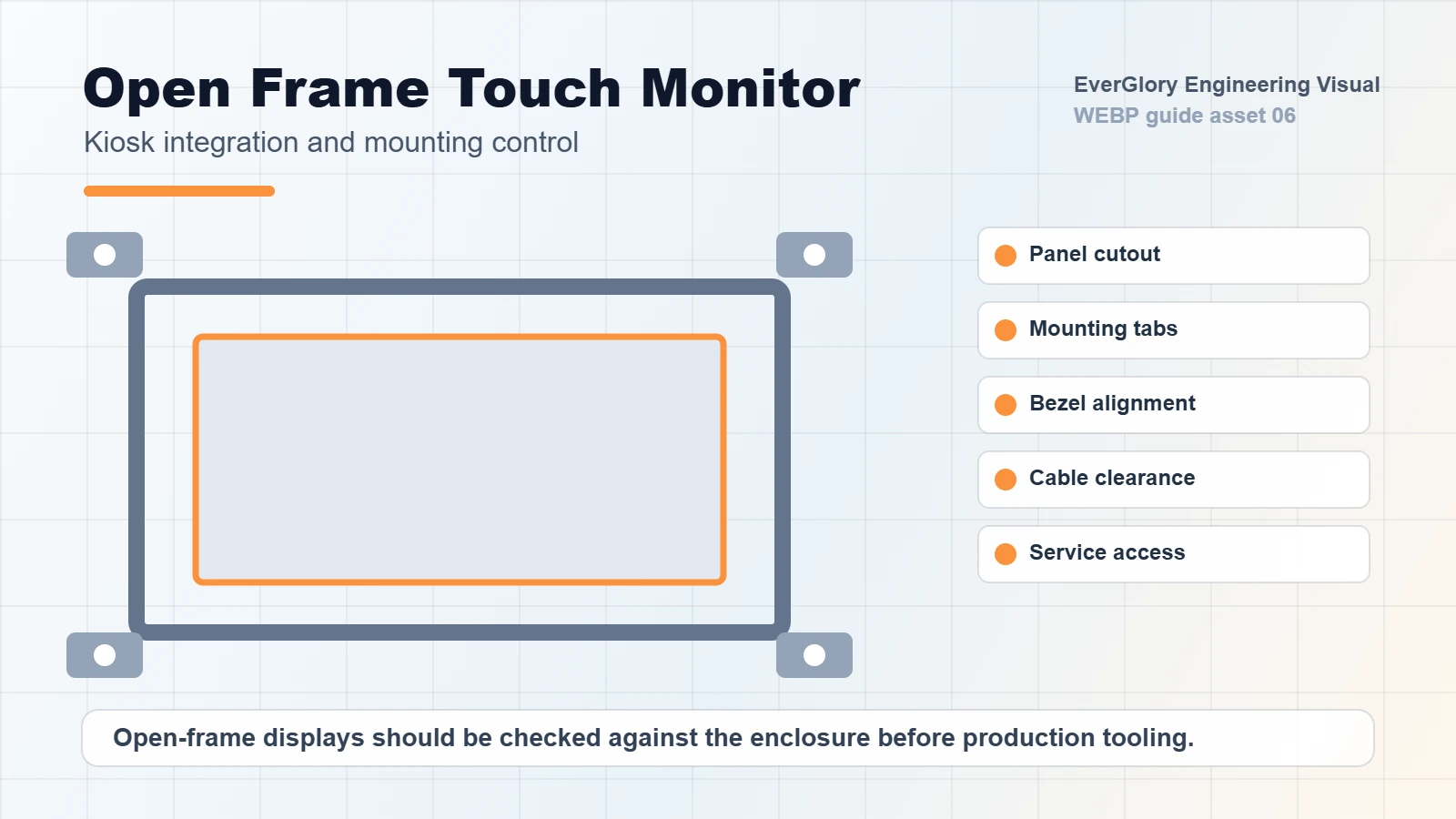
An open frame touch monitor usually includes an LCD, touch panel, controller board, metal frame and interfaces, but it is intended to be built into a kiosk, HMI panel, vending machine, equipment cabinet or self-service terminal. The final front appearance depends on the customer’s enclosure.
This structure is useful when the OEM wants:
- A flush front cabinet design
- Custom bezel or cover glass
- Easy embedded installation
- Flexible mounting points
- Integration with a separate computer or controller
Integration Checklist
| Area | What to Confirm | Why It Matters |
|---|---|---|
| Cutout and mounting | Opening size, screw holes, bracket design | Prevents mismatch during assembly |
| Front protection | Glass, gasket, bezel and sealing | Affects dust, water and public-use durability |
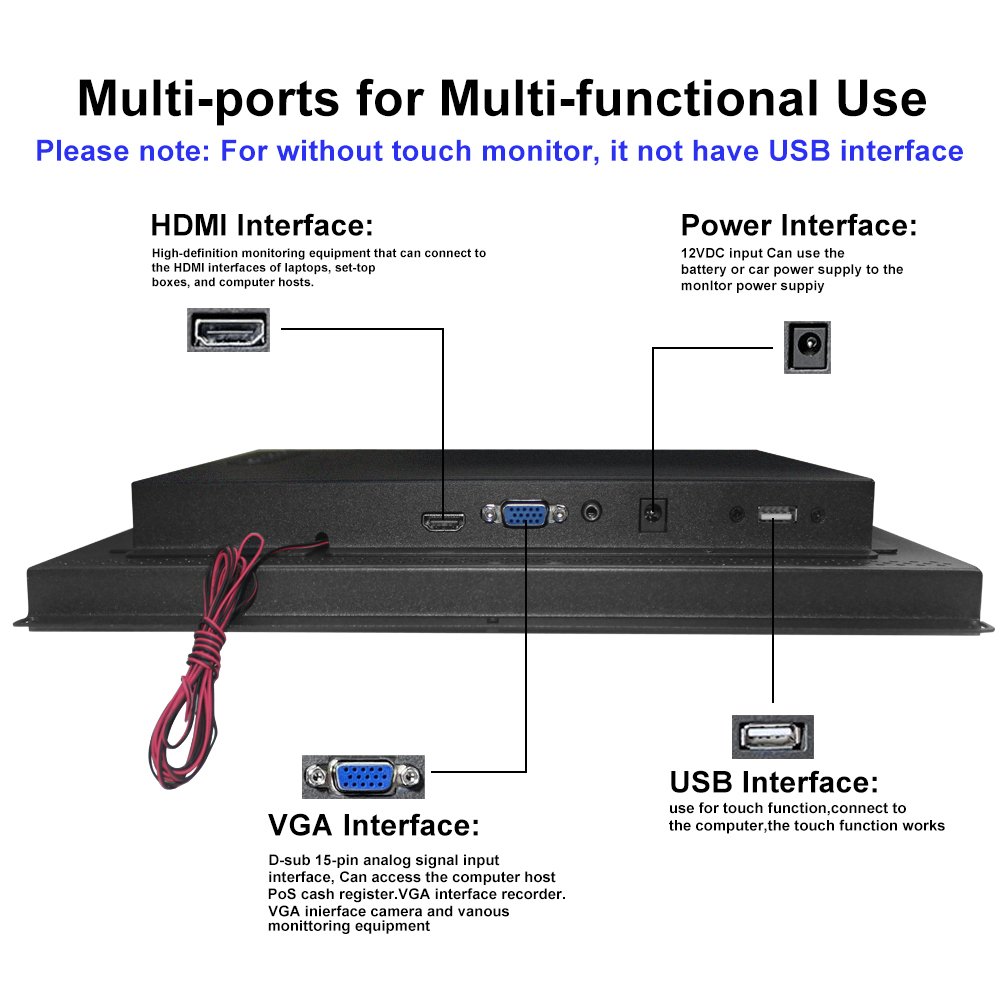
| Interface direction | HDMI/VGA/USB/RS232/LVDS/eDP cable path | Prevents cable stress and assembly conflict |
| Heat dissipation | Airflow and metal contact | Reduces high-temperature failure |
| Touch tuning | Glove, wet touch, EMI and grounding | Keeps operation stable after installation |
| Service access | Replacement and cable maintenance | Reduces field repair time |
Port Orientation and Cable Routing
Port direction is often underestimated. A monitor may look suitable on paper but fail to fit the enclosure because the HDMI, USB or power cable exits in the wrong direction. In compact kiosks, a few millimeters can decide whether the design is easy to assemble or impossible to close.
Before confirming the monitor, share the cabinet drawing and expected cable path. For custom projects, EverGlory can review interface direction, mounting clearance and cable strain relief.
Housing and Mechanical Stability
Open frame monitors often use metal structures for strength and heat transfer. The frame should be rigid enough to prevent twisting, because uneven pressure can affect the LCD, touch panel or bonding layer. For public kiosks or industrial HMI, the front surface may need tempered cover glass, anti-glare treatment or sealing gasket.
If the terminal is used outdoors or in a dusty area, open frame design must be combined with the cabinet’s protection strategy. The monitor alone cannot guarantee the final IP level without the correct enclosure.
Internal Links
FAQ
Is an open frame monitor the same as a panel mount monitor?
Not always. Open frame monitors are built for embedded integration, while panel mount monitors may include a finished front structure for direct panel installation.
What drawings are needed for customization?
Provide cabinet cutout, mounting holes, cable routing, front glass design, interface requirements and environmental conditions.
Can open frame monitors support IP65?
The final IP rating depends on the monitor front design and the customer enclosure. Sealing must be reviewed at system level.
Which interfaces are common?
Common options include HDMI, VGA, DP, USB touch, RS232, LVDS and eDP, depending on the host system.
Need a Project-Specific Recommendation?
EverGlory supports OEM and industrial display projects with PCAP touch panels, open-frame touch monitors, waterproof front designs, optical bonding, high-brightness LCDs and interface customization. Share the installation environment, target size, interface and protection needs, and the engineering team can help narrow the specification before sampling.

