
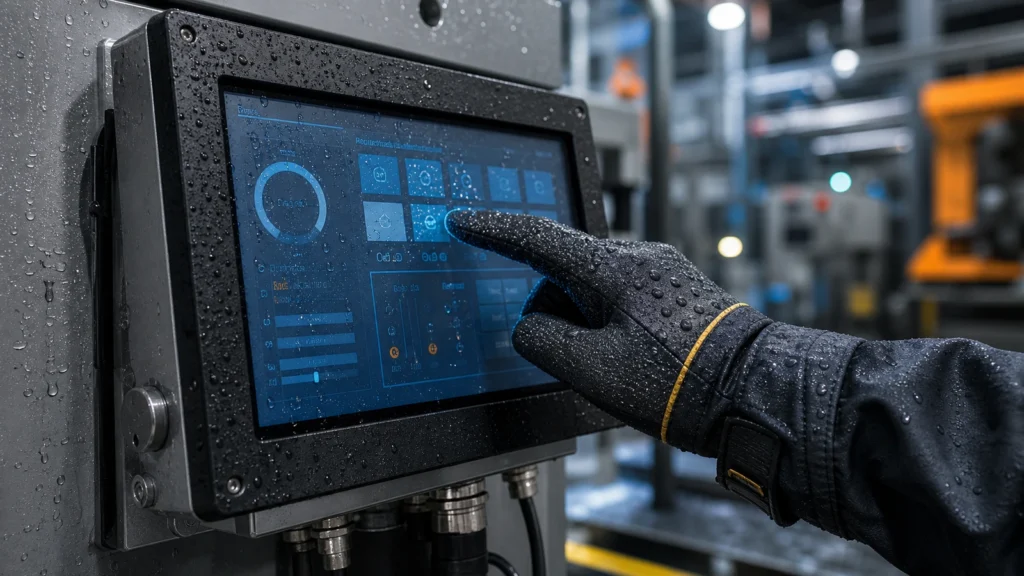
Glove Touch and Wet Touch Performance in Industrial Touch Screens
Learn how glove touch industrial touch screens maintain stable operation with work gloves, wet hands, oil, dust and harsh industrial environments.
Selection and integration guides for open frame, panel mount, embedded and rugged industrial touch screen monitors.
Learn how glove touch industrial touch screens maintain stable operation with work gloves, wet hands, oil, dust and harsh industrial environments.
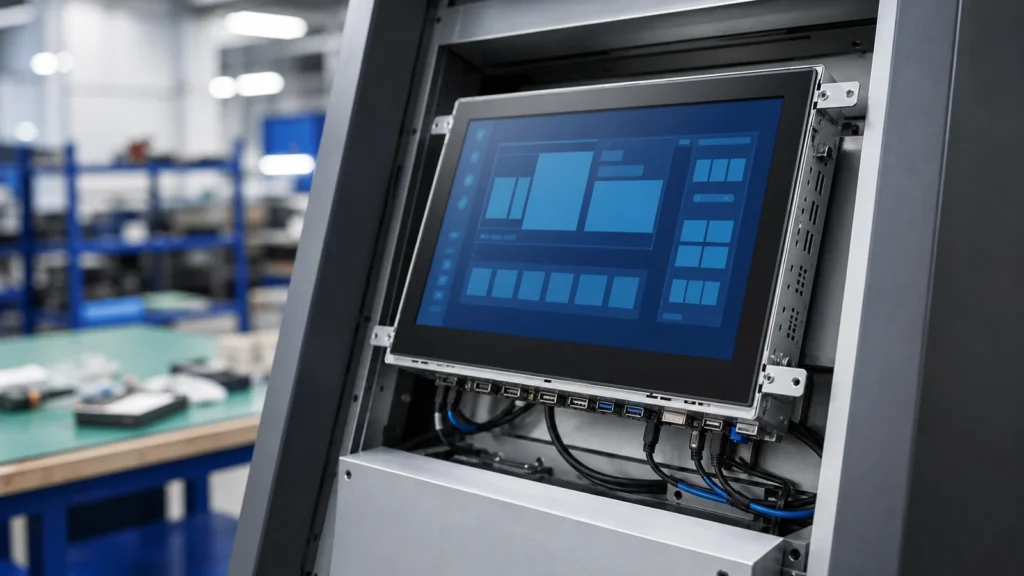
Learn how to choose an open frame touch screen monitor for kiosk integration, including mounting, bezel design, cable orientation, interfaces and reliability checks.

Learn how to specify a sunlight readable touch screen monitor with brightness, AG/AR glass, optical bonding, thermal design and outdoor reliability in mind.
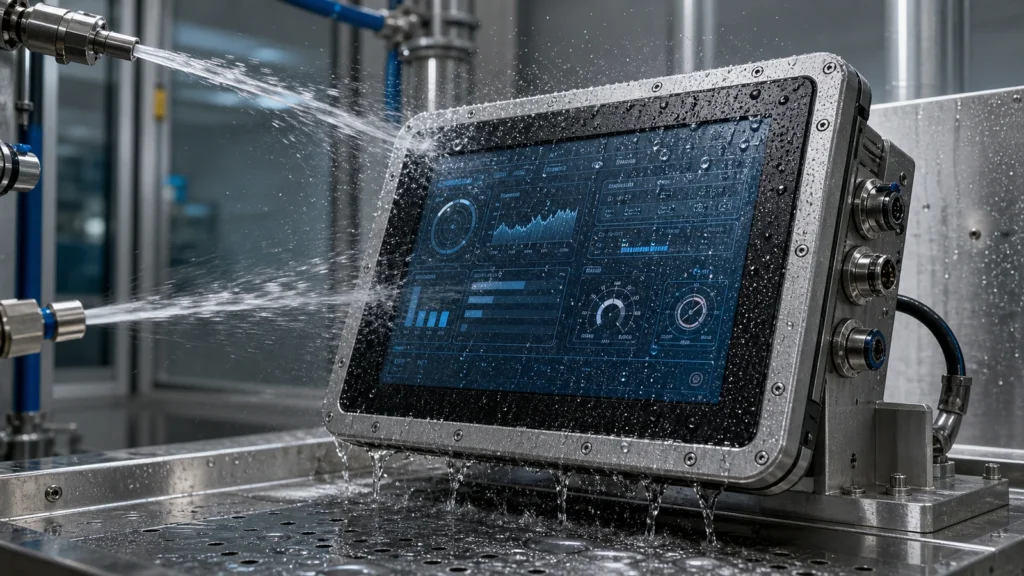
Understand how a waterproof touch screen monitor is designed, including IP65 front sealing, wet touch, condensation control, cleaning, cables and installation risks.

A medical touch screen monitor design guide covering cleanability, glove touch, liquid touch, EMC/ESD, optical bonding, color performance and integration risks.
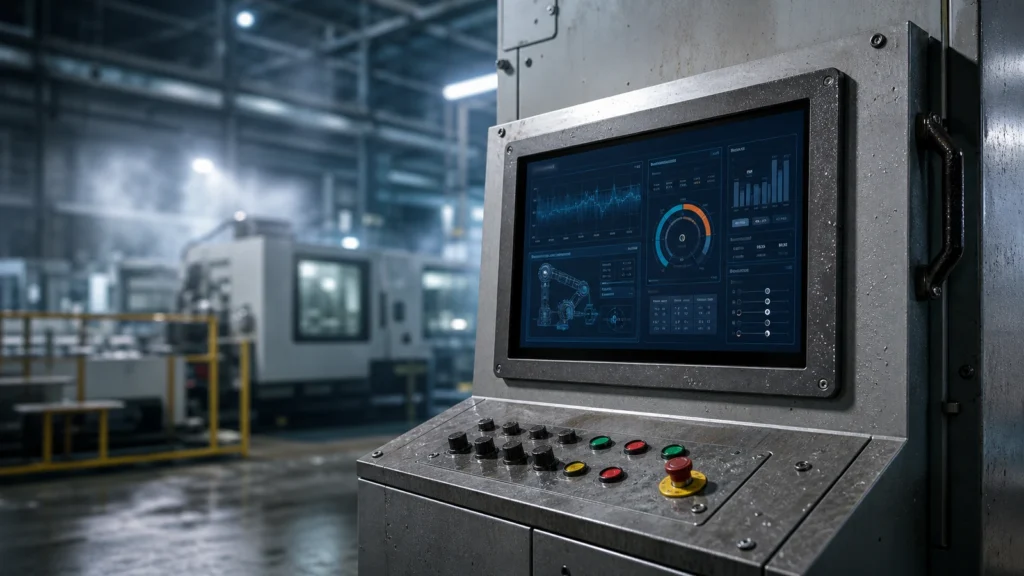
Learn how to select a rugged touch screen monitor for harsh environments, including IP protection, PCAP tuning, brightness, bonding and integration checks.
Choosing a rugged industrial touch screen monitor is very different from choosing a commercial display for an office, store, or
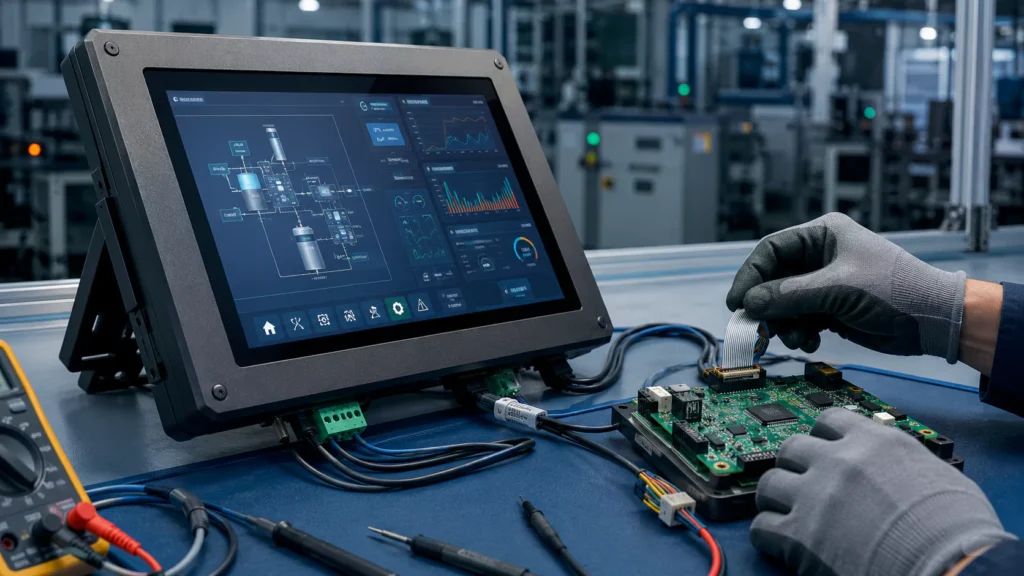
Industrial Touch Screen Troubleshooting Touch controller board issues are one of the most common causes of abnormal touch behavior in
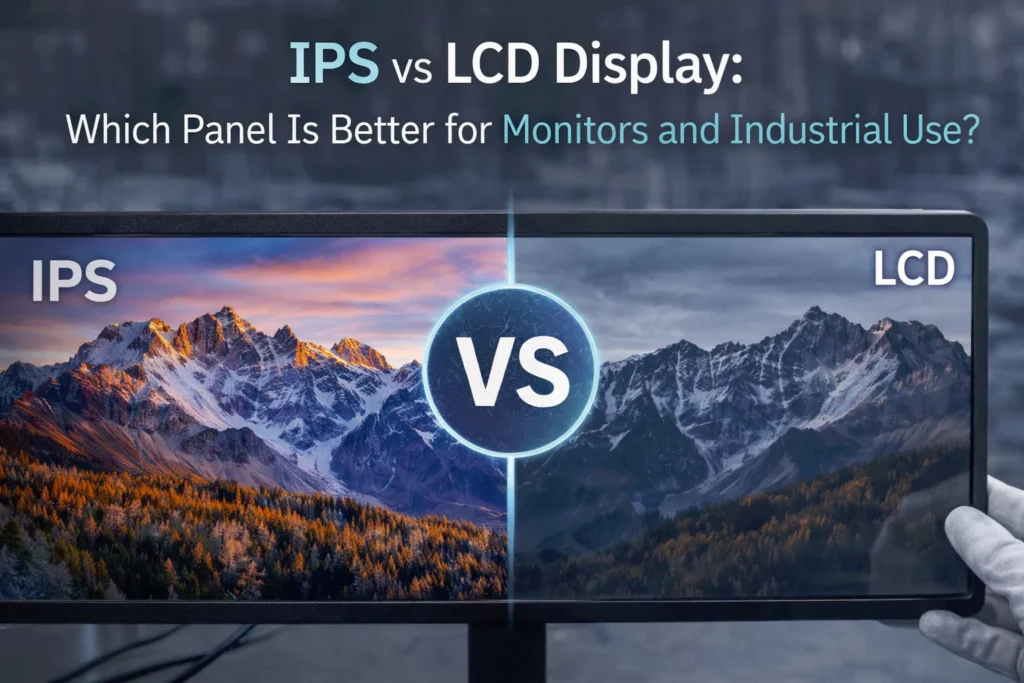
Display Technology • Industrial Monitors • Buyer Guide IPS vs LCD Display: Pros, Cons, and Performance Comparison Many buyers search
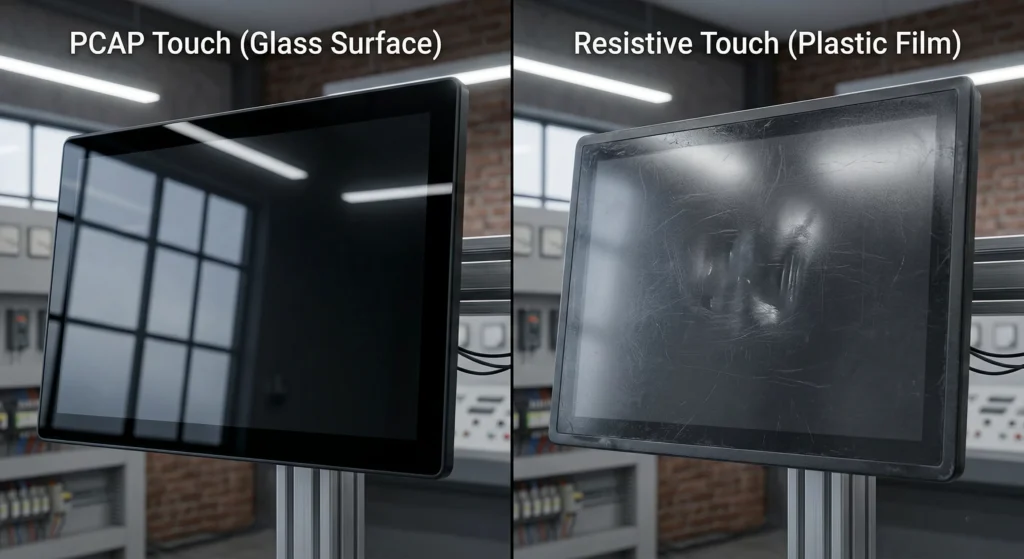
Industrial Touch Monitors • PCAP vs Resistive • Engineering Guide PCAP vs Resistive Touch for Industrial Touch Monitors: Which Is