
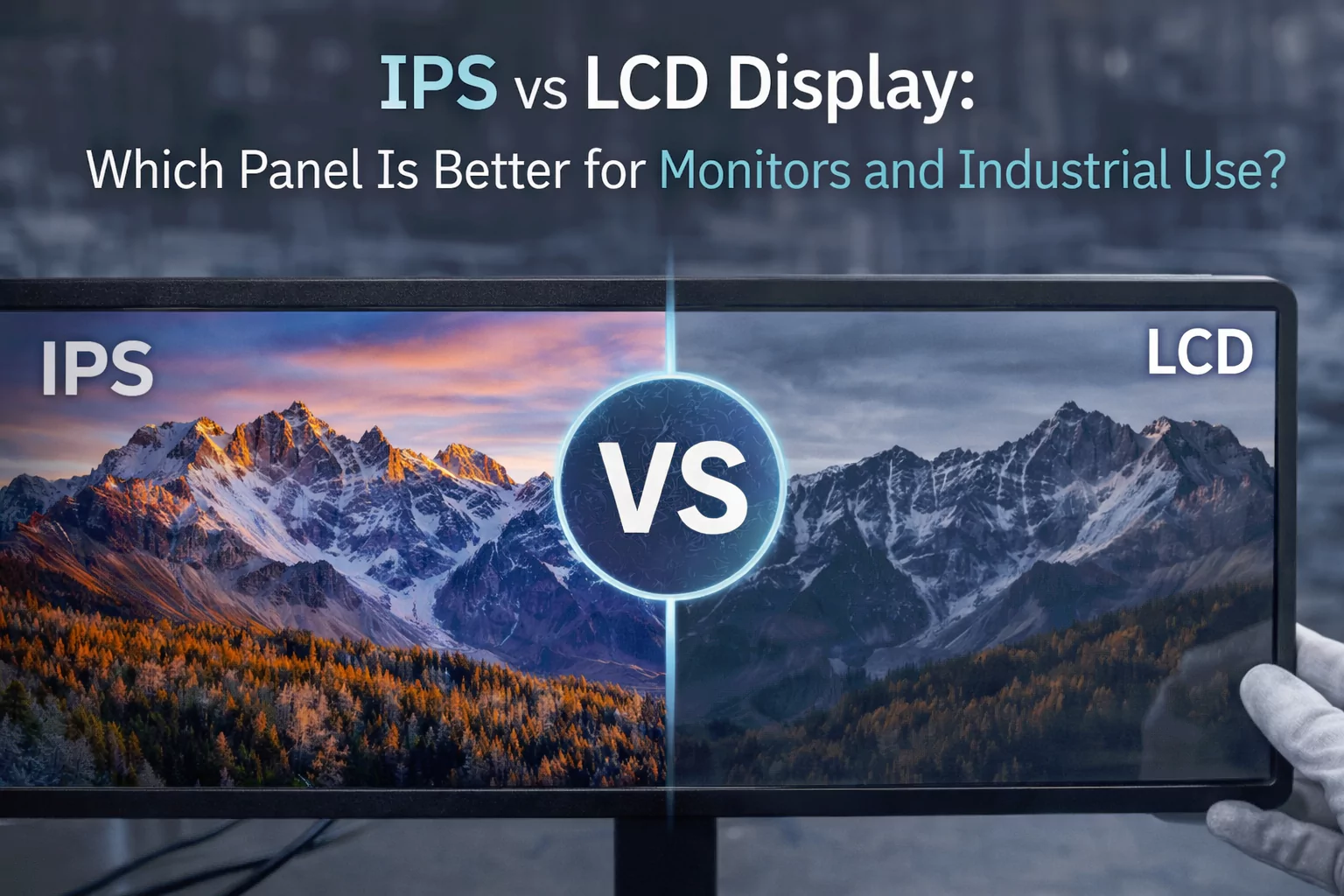
IPS vs LCD Display: Pros, Cons, and Performance Comparison
Many buyers search for IPS vs LCD display, LCD vs IPS monitor, or what is IPS LCD monitor when comparing screens for business or industrial use. The most important point is this: IPS is a type of LCD panel technology. In this article, “LCD” refers to more conventional non-IPS LCD panel options that buyers often compare against IPS in real projects.
Why This Comparison Matters for Industrial and Commercial Displays
Buyers often search terms like ips vs lcd, lcd vs ips panel, or ips screen vs lcd because panel choice affects real-world usability. In industrial and commercial systems, the display is not just for “looking good.” It affects operator visibility, interface readability, user confidence, and even error rate.
Viewing Angle
Important for HMIs, kiosks, and control systems viewed from the side or by multiple operators.
Color Stability
Useful for medical interfaces, visual dashboards, and premium user-facing equipment.
Long-Term Value
The cheaper panel is not always the better business decision if usability and product perception matter.
What Is an LCD Panel?
LCD stands for Liquid Crystal Display. LCD panels use liquid crystals and a backlight to create the image you see on the screen. There are different types of LCD panels, and IPS is one of them. In buyer discussions, however, “LCD panel” is often used informally to mean a more standard, non-IPS LCD panel.
Typical characteristics of standard LCD panels
- Lower cost in many projects
- Adequate performance for basic business use
- Can be sufficient when viewing angle is not critical
- Often chosen for budget-sensitive devices
Where they may fall short
- More visible color shift at angle
- Less consistent image quality across positions
- Weaker premium feel in user-facing products
- May be less suitable for collaborative viewing
What Is an IPS Panel?
IPS stands for In-Plane Switching. If someone asks, “What is IPS screen?” or “What is IPS LCD monitor?”, the short answer is: it is a type of LCD panel designed to improve viewing angles and color consistency.
Typical IPS strengths
- Wider viewing angles
- Better color consistency from different positions
- More stable visual appearance
- Strong fit for premium monitors and industrial HMIs
Typical trade-offs
- Usually higher cost than basic LCD panel options
- Not always necessary for simple fixed-angle use cases
- Project selection still depends on brightness, interface, and budget
Key Differences Between LCD and IPS Panels
If you are comparing IPS vs LCD display, the real decision usually comes down to viewing angles, color performance, cost, and the final use case.
1. Viewing Angles
IPS panels are known for wider viewing angles. This is one of the biggest reasons people choose IPS screen technology. If the display will be viewed from the side, mounted high, or used by multiple users at once, IPS usually has a clear advantage.
2. Color Accuracy and Consistency
IPS provides more stable color and image consistency. Standard LCD panels may look acceptable from the front but can show color shift or contrast change when viewed off-axis.
3. Brightness and Contrast Perception
Actual brightness depends on the full display design, but IPS often appears more visually stable because the image changes less across viewing positions.
4. Response and Use Experience
For most industrial and commercial applications, IPS feels more refined. It is especially preferred where a premium interface experience matters.
5. Cost
A standard LCD panel is often cheaper. IPS costs more, but that extra cost can be justified when visibility, product quality, or user-facing presentation matter.
6. Best-Fit Use Cases
IPS is usually better for industrial touch monitors, kiosks, medical devices, and high-clarity business monitors. Standard LCD panel options can still work for simpler or cost-sensitive designs.
Pros and Cons: LCD vs IPS Panels Side by Side
| Feature | IPS Panel | Standard LCD Panel |
|---|---|---|
| Viewing angles | Excellent | More limited |
| Color consistency | Strong and stable | Can shift when viewed off-axis |
| Display quality | More premium, better for visible UI detail | Acceptable for basic use |
| Business / industrial fit | Better for kiosks, HMIs, medical, user-facing systems | Better for budget-focused or basic fixed-angle use |
| Cost | Higher | Lower |
| Best use case | Modern monitors and industrial touch displays | Simple displays where cost matters most |
How to Choose the Right Panel for Your Business
If you are comparing lcd vs ips monitor or ips display vs lcd, do not choose based on panel name alone. Choose based on how the monitor will actually be used.
Factory HMI
Operator visibility from different angles matters.
- Recommended: IPS
- Clearer and more stable interface viewing
Self-Service Kiosk
User-facing products benefit from better screen quality.
- Recommended: IPS
- Better presentation and wider viewing angle
Medical / Lab Interface
Clarity and consistency matter for professional use.
- Recommended: IPS
- More stable visual quality
Basic Embedded Device
- Recommended: Standard LCD may be enough
- Useful when budget matters more than viewing angle
Premium Commercial Monitor
- Recommended: IPS
- Better fit for high-quality business presentation
Final Thoughts
The most accurate answer to ips vs lcd display is not “one is always better.” IPS is a type of LCD technology, and it usually delivers stronger viewing angles, better color consistency, and a more premium display experience. That makes it the better choice for many modern industrial and commercial monitors. Standard LCD panel options still make sense in simpler, lower-cost projects.
FAQ
Is IPS better than LCD?
What is an IPS LCD monitor?
What is the difference between IPS and LCD display?
Is IPS good for industrial touch monitors?
Which panel is better for viewing angles, IPS or LCD?
Need help choosing the right display panel?
Share your screen size, viewing angle needs, brightness target, and project environment. Our team can recommend the right IPS or LCD-based solution for your monitor, kiosk, or industrial touch display.

