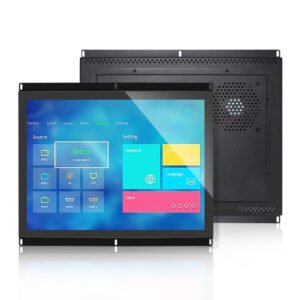
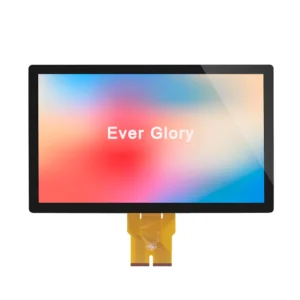
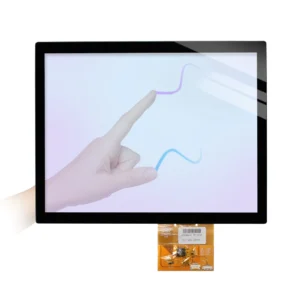
Panel Mount HMI
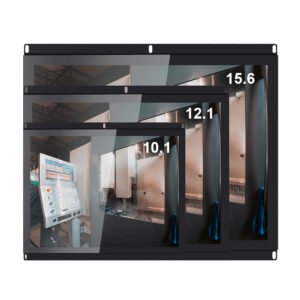
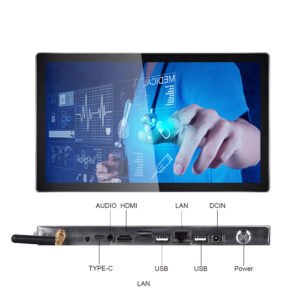
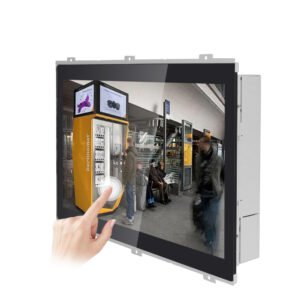
Best for machine cabinets and front-panel industrial control systems that need a finished structure, stable cutout and serviceable installation.
View panel mount monitorsBrowse PCAP touch monitors for HMI panels, kiosks, outdoor terminals and embedded control systems. Choose by mounting, brightness, protection level and interface before sending project requirements.
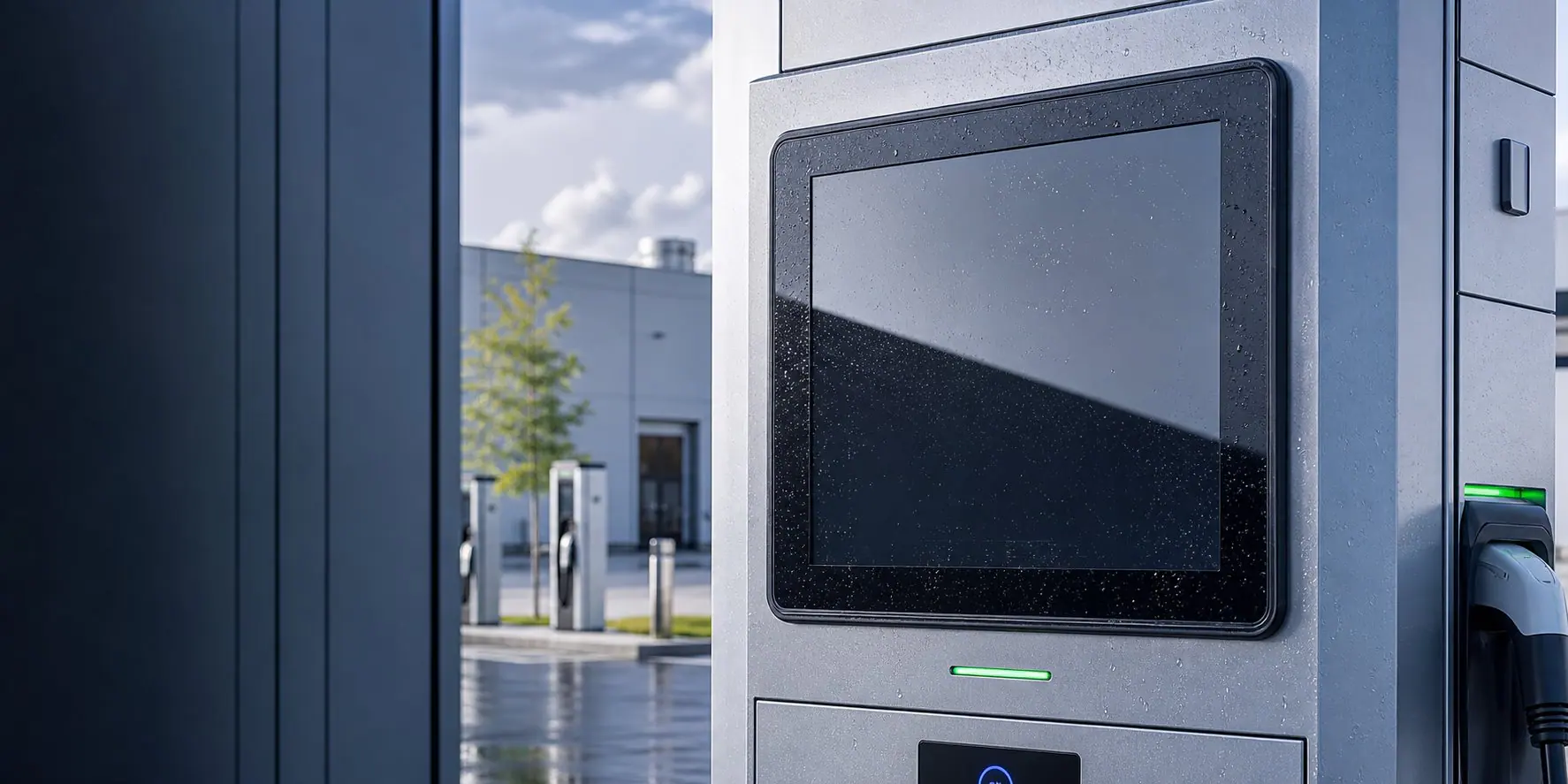
Start with the installation structure, then compare touch operation, brightness, front protection and interface needs before requesting a quote.
For control cabinets, machine panels and embedded front installation.
Kiosk integrationFor enclosures, ticketing terminals, vending equipment and OEM housings.
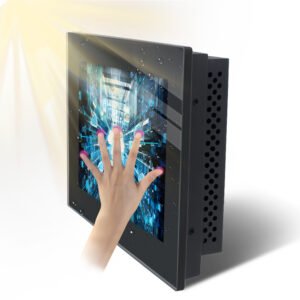
Outdoor useFor outdoor terminals requiring high brightness, anti-glare glass and sealing.
Custom buildFor custom cover glass, brackets, cables, interfaces and long-term supply.
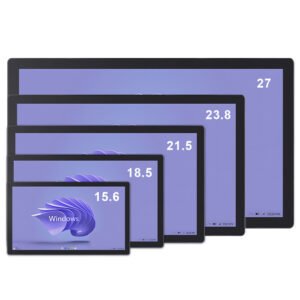
Browse standard and customizable monitor models. If your project needs a different size, mounting structure or interface, send requirements for engineering review.
Use this section to move from a general monitor request to a practical OEM specification. EverGlory supports panel mount, open frame, IP65 waterproof, sunlight readable and custom PCAP touch monitor projects for HMI cabinets, kiosks, EV chargers, outdoor terminals and industrial equipment.
Best for machine cabinets and front-panel industrial control systems that need a finished structure, stable cutout and serviceable installation.
View panel mount monitorsBest for kiosks, vending equipment, EV charging enclosures and custom housings where the customer controls the final front design.
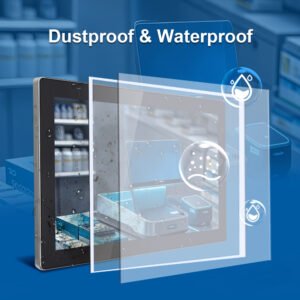
View open frame monitorsBest for wet, dusty, cleaning-intensive or outdoor-facing applications that need sealed front glass, PCAP wet touch and connector protection.
View IP65 touch monitors| Application | Recommended Monitor Direction | Specification Details to Send |
|---|---|---|
| Industrial HMI cabinet | Panel mount touch screen monitor with PCAP touch, HDMI/VGA/DP input and USB touch. | Panel cutout, available depth, front IP target, operator glove type and cable exit direction. |
| Outdoor kiosk or EV charger | High brightness monitor with optical bonding, AG/AR glass, IP65 front and wet touch tuning. | Sunlight exposure, screen angle, enclosure drawing, payment module location and operating temperature. |
| Food, washdown or public terminal | Flat sealed front, easy-clean glass, wet/glove touch tuning and rear connector protection. | Cleaning liquid, water spray angle, gasket path, front glass requirement and service method. |
| Embedded OEM device | Open frame monitor or touch display module with LCD, PCAP, controller and custom interface support. | Display input, touch interface, enclosure stack height, annual volume and lifecycle expectation. |
Match the monitor specification to the equipment environment before choosing a standard model or requesting a customized build.
| Project requirement | Recommended option | Why it matters |
|---|---|---|
| Machine control panel | Panel mount PCAP monitor with metal housing | Stable front installation, clean cabinet integration and reliable operator interaction. |
| Outdoor self-service terminal | High brightness display, IP65 front, anti-glare cover glass | Improves sunlight visibility and protects the front surface from dust and water spray. |
| Kiosk or vending enclosure | Open frame monitor with custom bracket and USB touch | Fits inside OEM housings while keeping the external design clean. |
| Glove operation or EMI risk | PCAP controller tuning, grounding review and cover glass test | Prevents unstable touch response during industrial use and field installation. |
Application paths help buyers identify the right monitor structure before sending drawings or equipment requirements.
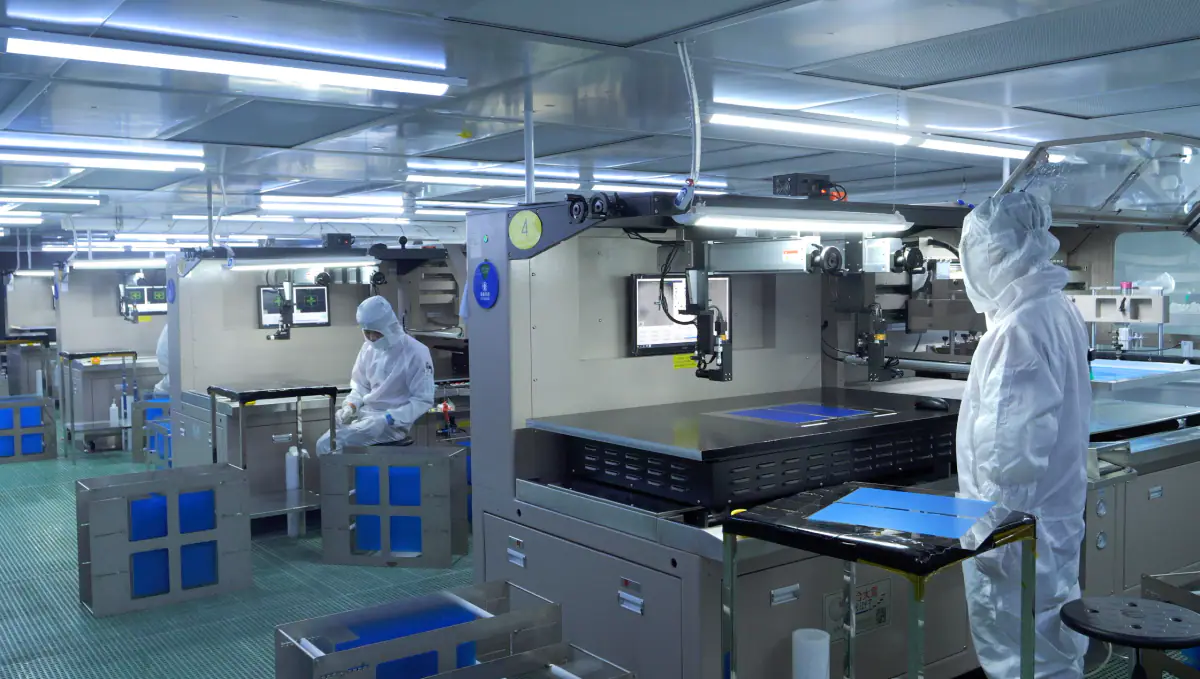
Panel-mounted touch monitors for equipment control, production lines and test systems.
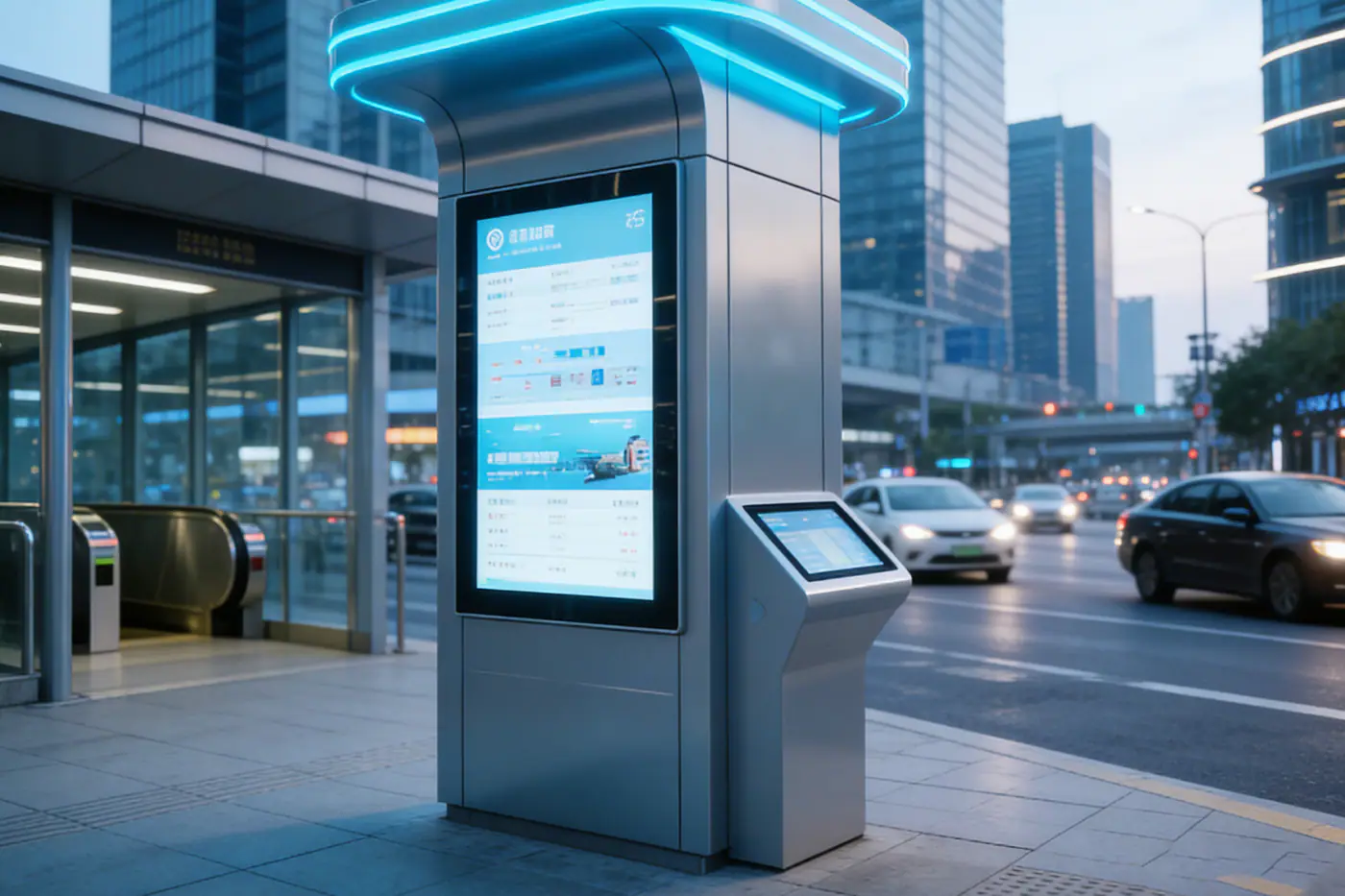
Open frame and sealed front monitors for ticketing, vending and payment terminals.
High brightness, anti-glare and IP-rated front options for exposed environments.
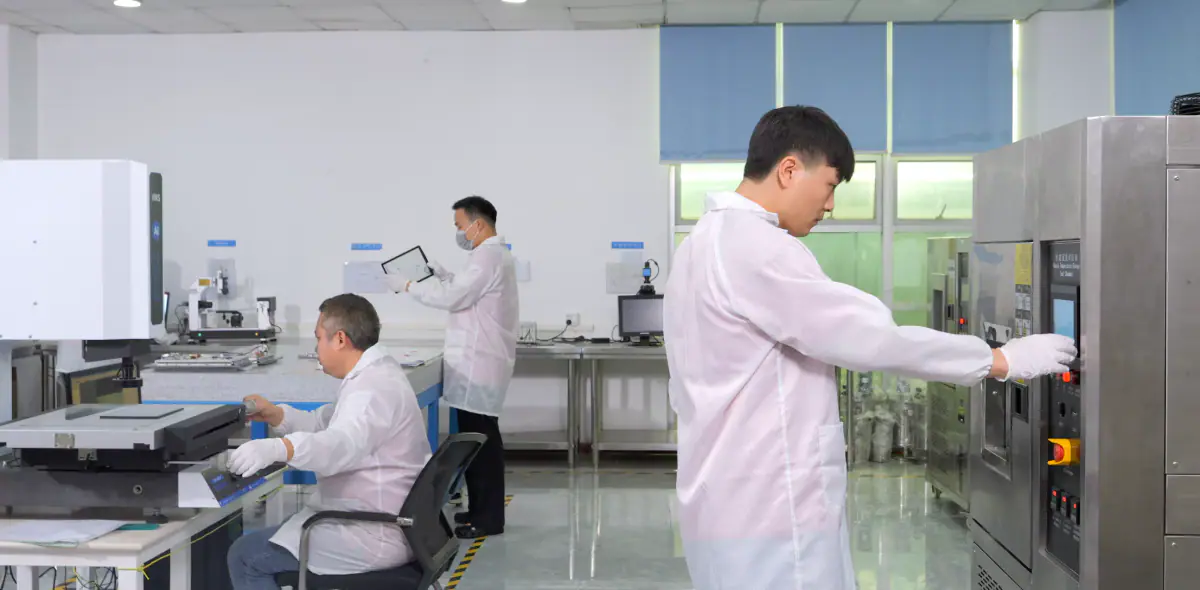
Flat front glass, easy cleaning and stable PCAP interaction for device interfaces.
For industrial monitor projects, quotation accuracy depends on installation, display visibility, touch conditions and interface requirements.
Send RFQ detailsCommon questions for commercial selection and engineering fit.
Panel mount is usually best for control cabinets and machine panels. Open frame is better for kiosks and OEM enclosures where the monitor is installed behind a custom front housing.
Yes. Cover glass, thickness, coatings, FPC, controller tuning, interface and mechanical structure can be reviewed according to the project requirement.
Choose high brightness when the screen will be used outdoors, near windows, in vehicles, or in strong factory lighting where standard brightness may not be readable.
No. Touch screen monitors provide display and touch input. If the project also needs embedded computing, compare the industrial touch panel PC category.