
An outdoor kiosk or EV charging display should be selected as part of the finished terminal. Readability, touch behavior, enclosure sealing, impact resistance, electrical noise and service access interact. Define the installation conditions first, then validate the display with its cover glass, payment hardware, power electronics and enclosure in place.
This guide covers the integration decisions for outdoor self-service terminals: EV chargers, parking payment machines, ticketing kiosks, car wash controls and vending equipment. For candidate assemblies, compare sunlight readable monitors for outdoor HMI.
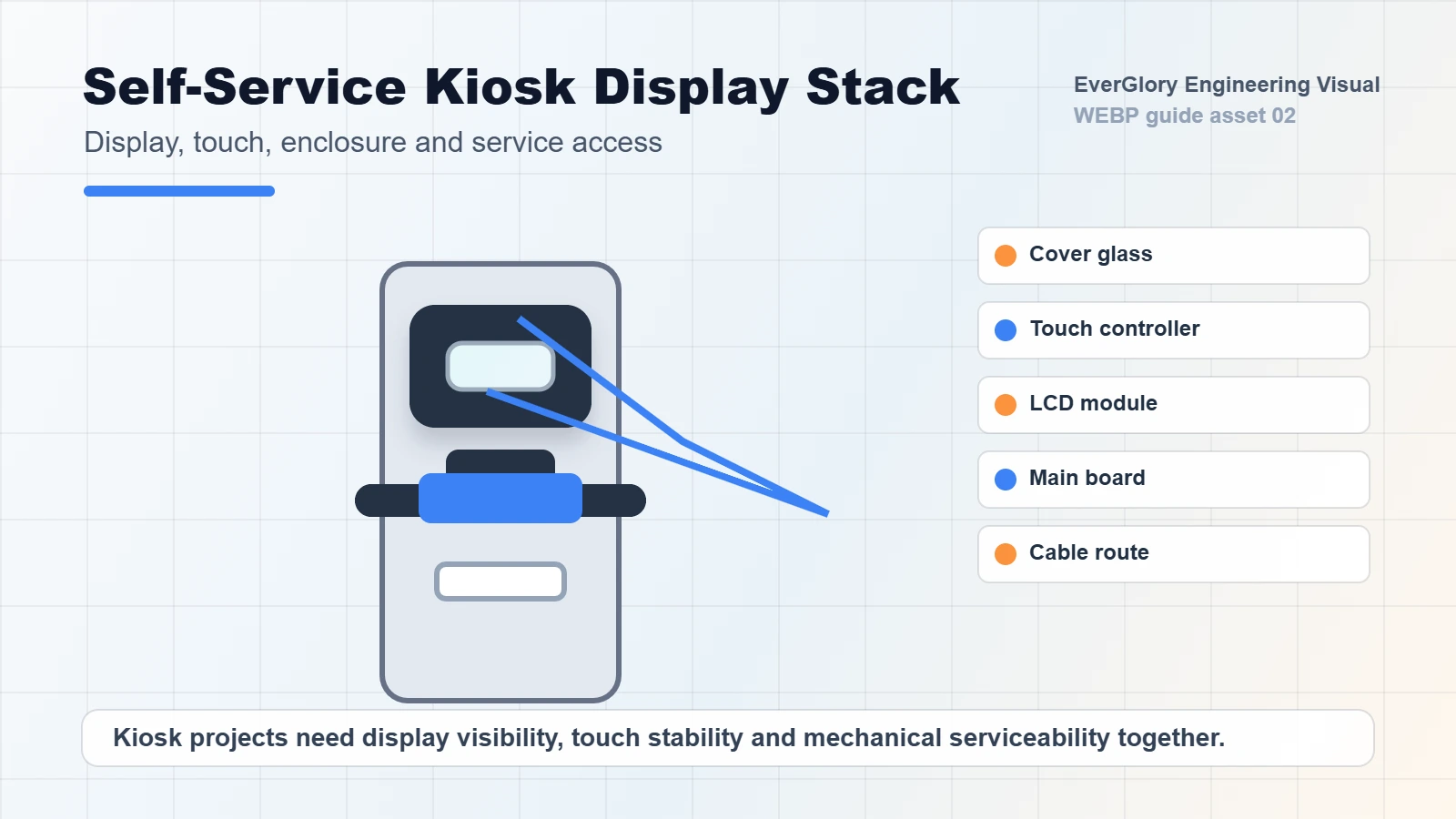
Choose the display format around the host you already have
| What your terminal already has | Format to review | Confirm before selecting a model |
|---|---|---|
| A host computer with video output | Touchscreen monitor with a compatible video input and touch connection | Actual video input, USB touch support, power, operating-system compatibility, mounting and service space. |
| A host board intended to drive an LCD | Touch-display module | Panel interface and timing, power sequencing, backlight driver, touch controller and any required adapter board. Match the exact module; interfaces are not interchangeable. |
| An LCD that needs a touch front | PCAP touch panel and controller | Cover and sensor outline, touch interface, bonding structure and controller tuning with the existing LCD and host. |
| No selected computing platform | Panel PC or a separately specified host/display system | Operating system, processor, I/O, software ownership and maintenance. Charging protocols and payment functions need a defined system implementation. |
These are integration routes, not a statement that every listed product is outdoor qualified. Start with the required architecture, then confirm the chosen model’s exposure and protection limits.
The task also changes the tests: parking terminals need payment and night-time checks; ticketing kiosks need printer/service access; car wash terminals need defined spray and cleaning-chemical conditions; vending machines need checks with motors or compressors running. See self-service terminal solutions for the wider application range.
Specify sunlight readability and enclosure heat together
A nominal 1,000-nit display is not automatically readable in direct sunlight. Cover glass, internal reflections, screen angle, interface design and sustained brightness all affect what the user sees. Record the installation orientation, canopy coverage, direct-sun periods and any extra protective window.
Use the nits and sunlight visibility guide to compare brightness candidates. Review optical bonding and AG/AR options when reflection is limiting readability. Evaluate the complete optical stack instead of adding brightness or surface treatments independently.
Solar heating, the backlight and power electronics can raise temperatures inside a sealed cabinet. Confirm the component limits and any temperature-related dimming. Test after temperatures stabilize, then check night-time dimming and the ambient-light sensor’s position. For cold installations, include startup and glove operation; for humid or coastal sites, review condensation and connector corrosion.
Set the IP and IK protection boundary
Specify the required protection and its boundary. A monitor with a front IP65 rating does not make the complete kiosk IP65: the gasket, cutout, fastening, rear connectors, cable entries and service doors remain part of the equipment design. Confirm the evaluated assembly and installation instructions behind any rating.
IEC 60529 defines the IP Code as a classification of protection provided by enclosures. For procurement, identify the enclosure or front assembly evaluated, the mounting and sealing details, and the report that applies to the proposed configuration.
An IK10 target concerns resistance to mechanical impact under defined test conditions. It is not established by glass thickness alone, and it does not guarantee vandal resistance in every situation. Glass treatment, edge protection, support and mounting affect the result. Ask for evidence covering the intended construction.
Water protection and wet-touch behavior are separate
A sealed display can still produce unwanted touches in rain. Conversely, a successful wet-finger demonstration says nothing about enclosure sealing. Define dry-finger, wet-finger, droplets, water film and glove conditions separately with the touch supplier.
Water rejection may deliberately ignore contact. Agree which valid touches must work and what happens when input is unreliable. Test the final glass, controller settings, grounding and installation angle; review drainage and any recessed edges that collect water.
Integrate payment hardware, EMI control and display interfaces
Reserve physical space for NFC/RFID antennas, card readers, QR scanners, printers, cameras, speakers and communication modules. Their placement changes cable routing, grounding, reflections and maintenance access. Do not assign a universal separation distance without evaluating the actual components.
- NFC and RFID: verify contactless reading and PCAP stability together. Shielding or metal near an antenna can also affect its intended operation.
- Charging and power electronics: review bonding, return paths and cable routes. Check touch behavior while switching loads and communication modules are active.
- Scanners and cameras: check their field of view, front-window reflections and operation in bright surroundings.
- Printers and card readers: preserve consumable access and cable clearance when the service door opens.
Include the selected interfaces, power requirements, cable lengths, firmware and touch-controller settings in the approved configuration. A display connection alone does not establish OCPP, payment or remote-management support; identify the host software and integration owner for those functions.
EV charger design-review example
Illustrative review sequence, not a delivered customer case. Assume the charger already has a host with HDMI video and USB touch, a separate payment reader and a service door. A compatible monitor is one candidate; its outdoor suitability still needs review.
- Freeze the proposed build: identify the monitor, host, payment reader, glass/seal arrangement, cables and software revisions.
- Review the user task: confirm that price, status and payment instructions remain readable from the intended viewing positions in the agreed day/night conditions.
- Exercise simultaneous operation: check touch and payment while the intended charging and communication loads run. Include the specified water or glove conditions in separate, controlled checks.
- Review heat and service: record the agreed temperature points after stabilization; then trial display replacement and inspect seals, routing and function after reassembly.
The project team must set conditions and acceptance criteria before testing. This sequence supplies the questions; it reports no pass result or performance level.
Plan service access before freezing the enclosure
Check whether a technician can remove the display without disturbing the payment system or damaging a bonded stack. Allow connector access, cable strain relief and controlled gasket compression. Define which seals must be replaced after service and how the reassembled terminal will be checked.
For a product family, document display revisions, approved alternatives and the process for reviewing component changes. A panel substitution can affect brightness, fit, timing or touch behavior even when the diagonal size stays the same.
Validate the production-representative configuration
Use the intended display, host, optical stack, enclosure and software. Agree who defines each acceptance limit, who performs the check and who approves open issues before pilot production.
Record configuration, conditions and acceptance criteria with the results. The outdoor display selection guide provides the broader procurement checklist, while outdoor touch screen solutions connects these requirements to project options.
Copy an RFQ and acceptance record
Copy the fields into your project file. Complete requirements before sampling, then attach the actual observations and evidence. “To complete” fields are blank inputs, not test results.
OUTDOOR TERMINAL DISPLAY RECORD
Record date, sample/serial ID and measurement/log reference: To complete
Project, installation and intended user task: To complete
Display/host/payment hardware and software revisions: To complete
Approved drawing, optical stack, sealing and cable layout: To complete
Sun exposure, operating schedule and environmental requirements: To complete
Video/touch interfaces, power and integration owner: To complete
CHECK | CONDITIONS | ACCEPTANCE CRITERIA | OWNER | RESULT / RECORD
Readability | To complete | To complete | To complete | To complete
Touch/payment/load operation | To complete | To complete | To complete | To complete
Specified water/glove states | To complete | To complete | To complete | To complete
Temperature points/brightness after stabilization | To complete | To complete | To complete | To complete
IP/IK assembly and applicable report scope | To complete | To complete | To complete | To complete
Replacement/resealing/function | To complete | To complete | To complete | To complete
Open issues, actions and retest revision: To complete
Approval, first-article/outgoing record and batch ID: To complete
Frequently asked questions
What display should an outdoor EV charging station use?
Select a display for the actual sunlight, temperature, touch, ingress and impact requirements. Validate it inside the charger with charging and payment electronics operating. No single brightness or protection label establishes suitability.
Does every outdoor self-service terminal need IP65 and IK10?
No. Set the required ratings from the installation and project requirements. Where IP65 or IK10 is specified, confirm the tested configuration and protection boundary rather than relying on a component description.
Can PCAP touch work in rain and with gloves?
It can be configured for specified conditions, depending on the sensor, glass, controller and tuning. Rain, wet fingers and different gloves require separate validation; water rejection does not necessarily mean touch remains available through water.
What belongs in an outdoor kiosk display RFQ?
Include size, resolution, interfaces, enclosure drawing, sun exposure, temperature range, ingress and impact targets, water/glove conditions, payment module layout and service access. Identify uncertain requirements for review.
Sources and applicability
- IEC 60529:1989+AMD1:1999+AMD2:2013 CSV — IP Code. Official description of protection provided by enclosures. The public standard description is not a product test report.
- EverGlory WI-QC-015-001 and WI-QC-015-003 control-plan summaries. Published production routes for touch panels and optical bonding; project-specific completed records establish acceptance.
- EverGlory sample-specific test-record register. Shows how a report ties sample, conditions and result together. Results are not transferred to untested complete terminals.
For a model specification or source-document clarification, contact EverGlory with the model or record identifier.
Review your outdoor HMI before sampling
Send the completed requirement fields with the display opening, rear access and payment/power layout. Identify any undecided item so the sample proposal can state what is included and what still needs validation.

