
Self-service equipment · OEM integration
Kiosk Touch Screen Monitors and PCAP Display Solutions
Build a dependable touch interface for ticketing, payment, check-in and information terminals. EverGlory supports PCAP touch panels, bonded display modules and touch monitors, with the mechanical fit, touch behavior and verification plan defined for your kiosk.
Start with the enclosure and user journey: where people touch, how the terminal is cleaned, which peripherals share the housing, and how a display will be replaced in service.
Request a Kiosk Design ReviewCompare Integration Options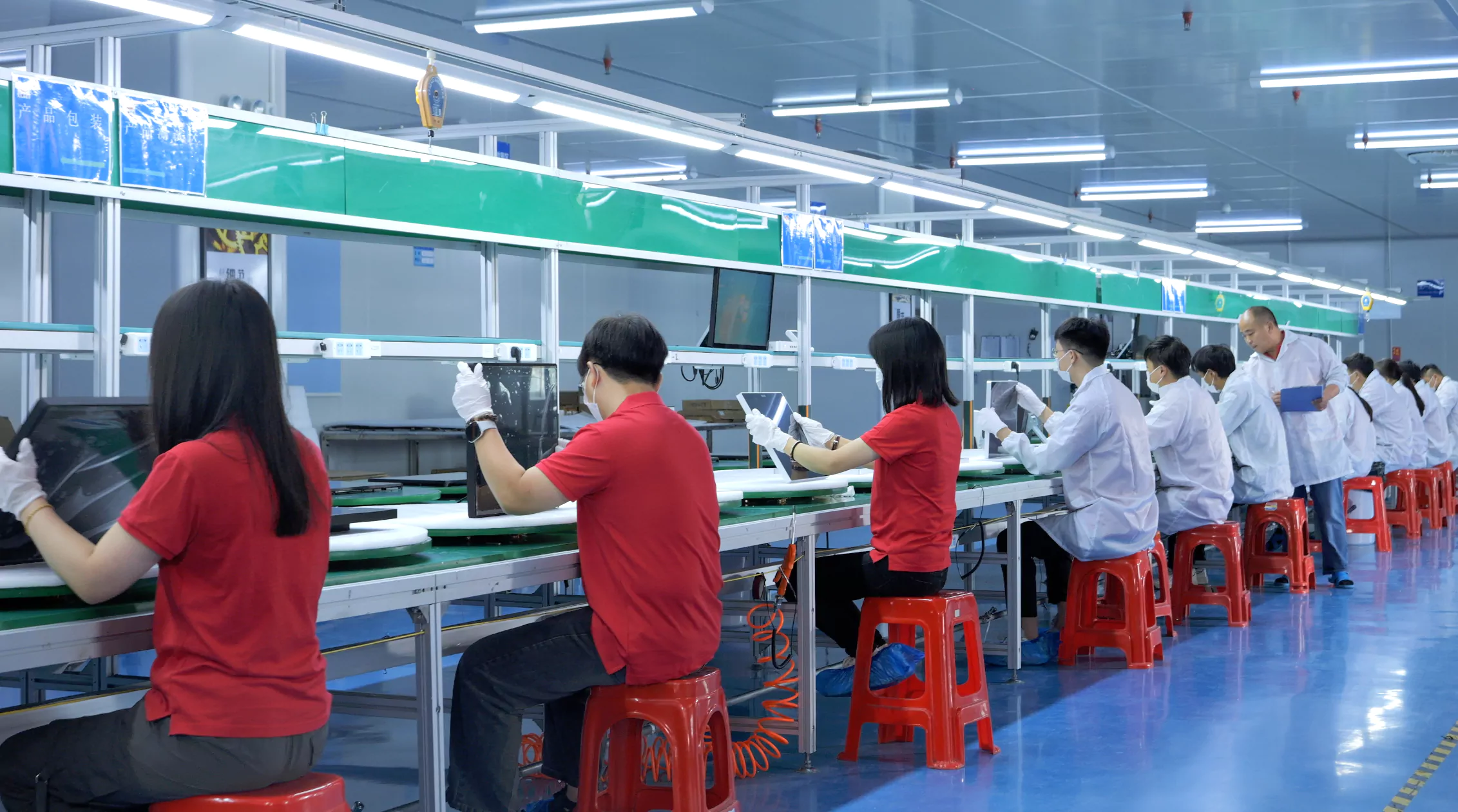
Choose the Integration Level Your Kiosk Needs
Custom PCAP Touch Panel
For a kiosk design with an existing LCD. Review the cover-lens outline, visible area, border printing, sensor layout, FPC routing and controller interface together.
Explore PCAP touch panelsTouch Display Module
For equipment builders integrating the display into their own enclosure. Define LCD, touch sensor, bonding, mounting clearances and the video and touch connections.
Review touch display modulesOpen-Frame or Panel-Mount Monitor
For a replaceable monitor assembly with a defined bracket or front-panel interface. Check service access, cutout tolerances, connector space and cable strain relief.
Open-frame monitors · Panel-mount monitorsNeed computing hardware inside the display? Review the touch panel PC options against your operating system, software, I/O and maintenance requirements.
Translate the Terminal Environment into a Testable Specification
| Kiosk requirement | Define before sampling | Verify on the assembled terminal |
|---|---|---|
| Public use and impact | Exposed surface, cover-glass construction, support, mounting and the required IK target. | Match the impact report to the tested construction. Glass thickness alone does not establish an IK rating. |
| Payment and ticketing peripherals | Locations of payment readers, printers, power supplies, cables and antennas. | Exercise touch while peripherals operate; assess grounding and electromagnetic interference in the final housing. |
| Cleaning, rain and wet hands | Approved cleaning liquids, wipe method, water exposure and required touch behavior. | Check false touch, recovery and sealing separately. Wet-touch operation and enclosure ingress protection are different requirements. |
| Readability and privacy | Ambient light, screen angle, brightness target, cover finish and any privacy-film requirement. | Assess the complete optical stack from actual user positions. Privacy films change viewing angle and light transmission. |
| Signature and accessibility | Finger or pen input, target sizes, reach height and the software workflow. | Confirm controller and pen compatibility if pen input is needed; assess usability with the intended users and application. |
| Long operating periods | Duty cycle, internal temperature, ventilation and service access. | Agree burn-in and functional checks for the specified assembly, then retain the acceptance record. |
Review the Evidence Behind the Proposed Configuration
Use the engineering capability and drawing examples to review the interface between the touch assembly and your enclosure. The OEM engineering workflow shows how requirements, drawings, samples and release criteria connect.
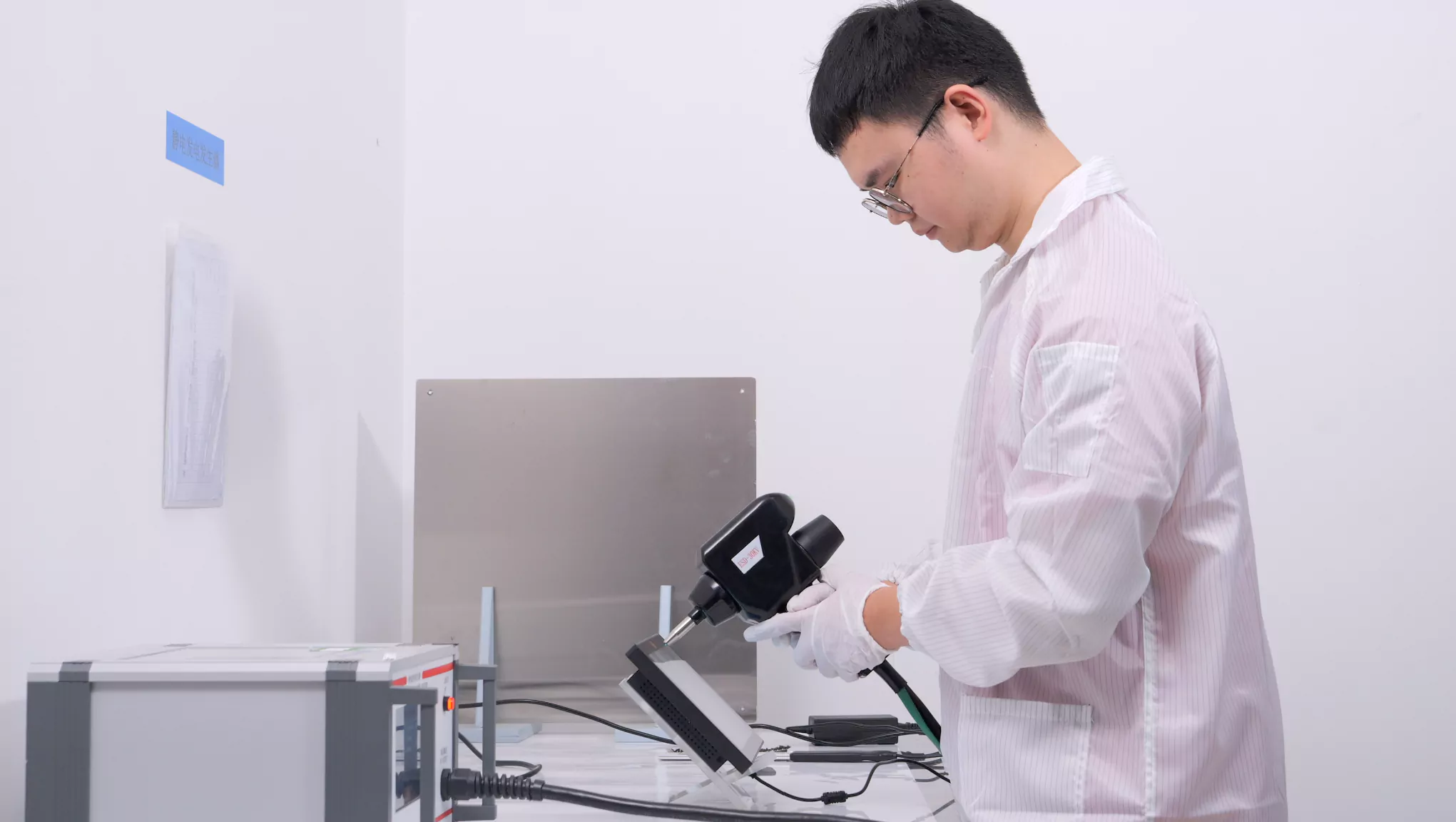
Our test-record register identifies available environmental and engineering records. Confirm the model, revision, setup and acceptance criteria before applying any result to your project.
The certification and report register separates management-system certificates from product reports. A tested touch assembly does not establish compliance of the complete payment or ticketing terminal.
Review production quality controls and the factory inspection video when agreeing incoming checks, sample approval and production release.
Send the Information Needed for a Useful Kiosk Review
Share the screen size and orientation, enclosure drawing, active and visible areas, video and touch interfaces, operating system, installation location, cleaning method, peripheral layout and estimated quantity. Include any brightness, IP or IK target as a requirement for review.
These inputs help define the proposed product structure, drawing questions, sample configuration and validation plan. Commercial terms, warranty and lead time should be confirmed in the project quotation.
Discuss Your Kiosk ConfigurationRead the OEM Buyer's GuideSelf-Service Kiosk Touch Screen FAQ
Should a kiosk use an open-frame monitor or a touch display module?
An open-frame monitor provides a defined monitor assembly for integration. A touch display module gives the equipment designer more control over the housing and electronics. Compare mounting space, connector access, service replacement and responsibility for the final assembly.
Does thicker cover glass automatically provide IK10 protection?
No. Impact performance depends on the glass, dimensions, support, mounting and test setup. The relevant rating must be supported by a report for the applicable construction.
Can the touch screen work beside payment readers and ticket printers?
Compatibility should be validated in the complete terminal with the peripherals operating. Review the grounding path, cable layout, power supply and controller tuning, then confirm touch stability against the agreed criteria.
Does a touch-monitor compliance report cover the complete kiosk?
No. Check the products and models listed in the report. The terminal manufacturer remains responsible for evaluating the completed equipment against the applicable market and product requirements.
IP65 IK10 Touch Displays for Self-Service Terminals
EverGlory supports outdoor self-service terminal touch displays for EV charging stations, payment kiosks, parking machines, vending systems, ticketing terminals and car wash equipment. A reliable outdoor HMI should combine sunlight readability, sealed front glass, PCAP wet touch, impact-resistant cover glass, protected connectors and a serviceable enclosure structure.
EV Charging Stations
High brightness, optical bonding, front IP65 protection, wet touch tuning and EMI review near charging electronics.
Outdoor Payment Terminals
Clear PCAP input, vandal-resistant glass options, payment module clearance and stable operation in rain or public-use conditions.
Car Wash and Kiosk HMI
Sealed flat front glass, chemical cleaning review, rear connector protection and wet glove operation by project.
| Requirement | Recommended Direction | Why It Matters |
|---|---|---|
| Outdoor readability | 700-1000+ nits, AG/AR glass and optical bonding by sunlight condition. | Prevents the screen from washing out under direct sun or reflective glass. |
| Water and dust protection | Front IP65 sealing with gasket, flat cover glass and connector protection. | Front sealing alone is not enough if cable exits and rear ports are exposed. |
| Impact resistance | Tempered cover glass, protected edge design and IK target review by project. | Public terminals need stronger front structure than indoor HMI panels. |
| PCAP touch stability | Wet touch, glove touch, grounding and EMI validation in the final enclosure. | Rain, payment electronics and charging modules can change touch behavior. |
Useful Engineering Guides
RFQ Details to Send
- Terminal type and enclosure drawing
- Screen size, brightness and installation angle
- IP/IK target, touch condition and glass requirement
- Payment module location, interface and service access