
Engineering Guide Hub
Industrial Touch Display Engineering Guides
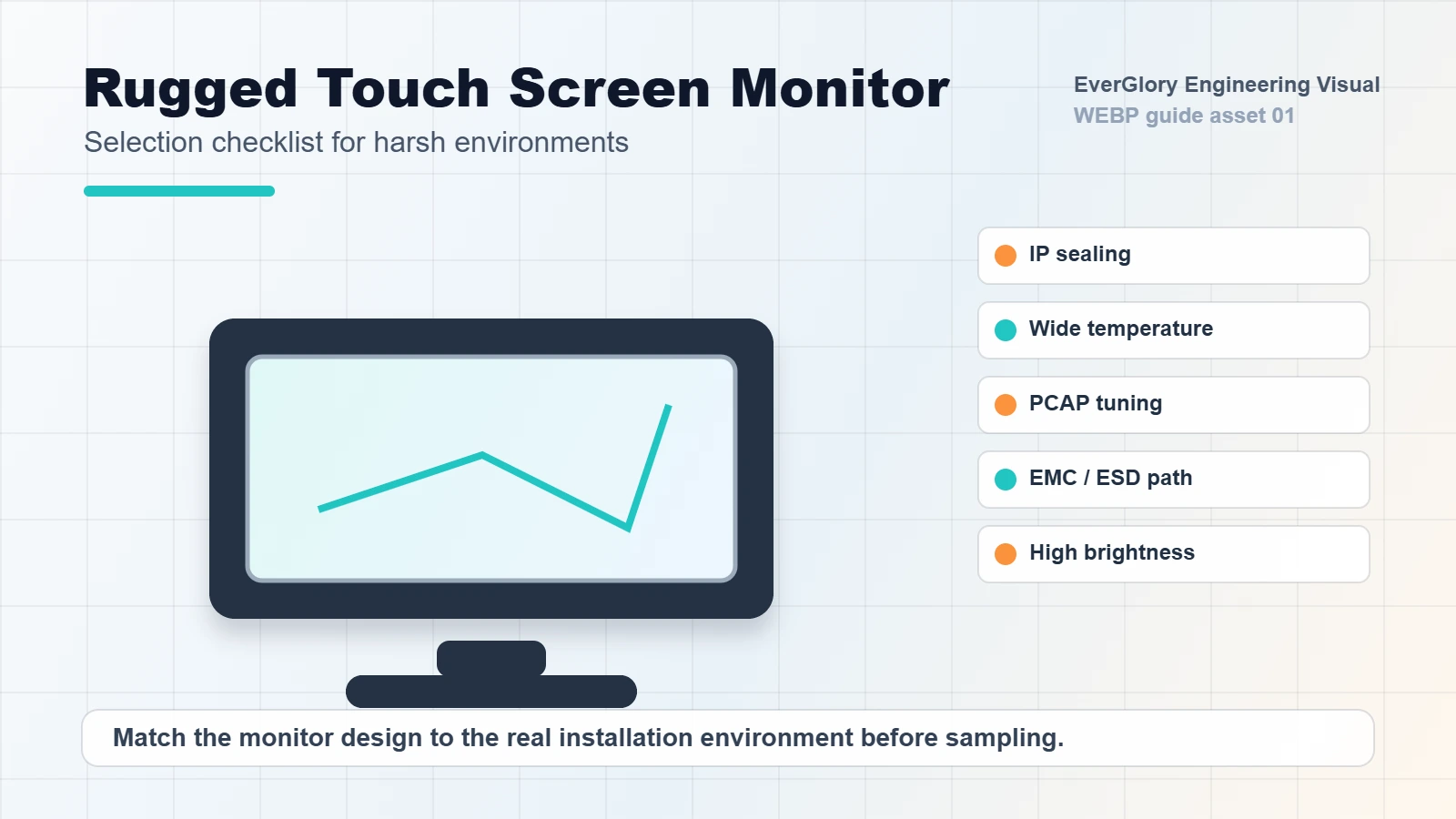
Industrial touch displays are rarely selected by screen size alone. A reliable project needs the right installation structure, PCAP touch tuning, cover glass, sealing, brightness, optical bonding, interface and application test plan. This guide hub helps OEM buyers move from a general display request to a clear engineering specification.
Quick Answer
An industrial touch display should be specified as a complete system, not as an LCD size with a touch panel added later. The strongest RFQ normally includes the application environment, mounting structure, brightness target, cover glass requirement, PCAP touch conditions, interface, sealing target and final enclosure drawing. If those inputs are missing, the project may pass a sample test but fail after installation.
For most OEM equipment, the fastest path is to choose one of these structures first: finished touch screen monitor, panel mount monitor, open frame monitor, touch display module, custom PCAP touch panel or touch panel PC. The sections below connect each structure to the most relevant engineering guide.
What Makes an Industrial Touch Display Different?
A consumer screen may only need to look bright indoors. An industrial touch screen monitor must stay readable, stable and serviceable inside a machine, kiosk, production line, charging station or outdoor cabinet. The risk is usually not one single component. Failures often come from the interaction between LCD noise, grounding, cover glass thickness, FPC routing, gasket compression, cabinet design and touch controller tuning.
For that reason, EverGlory treats an industrial touch display as a system: display module, PCAP sensor, controller, cover glass, metal structure, cable routing, power environment and final installation must be reviewed together. This is especially important for projects that combine waterproof sealing, glove operation, outdoor brightness and custom mechanical integration.
Quick Selection Matrix
| Project Need | Recommended Guide | Commercial Page to Review |
|---|---|---|
| Outdoor kiosk, rain, cleaning spray, wet touch | IP65 waterproof touch screen design | Touch screen monitor |
| Machine cabinet, rear mounting, kiosk enclosure | Panel mount vs open frame guide | Panel mount touch screen monitor |
| Glove touch, wet touch, false touch, EMI | PCAP controller troubleshooting guide | Capacitive touch panel |
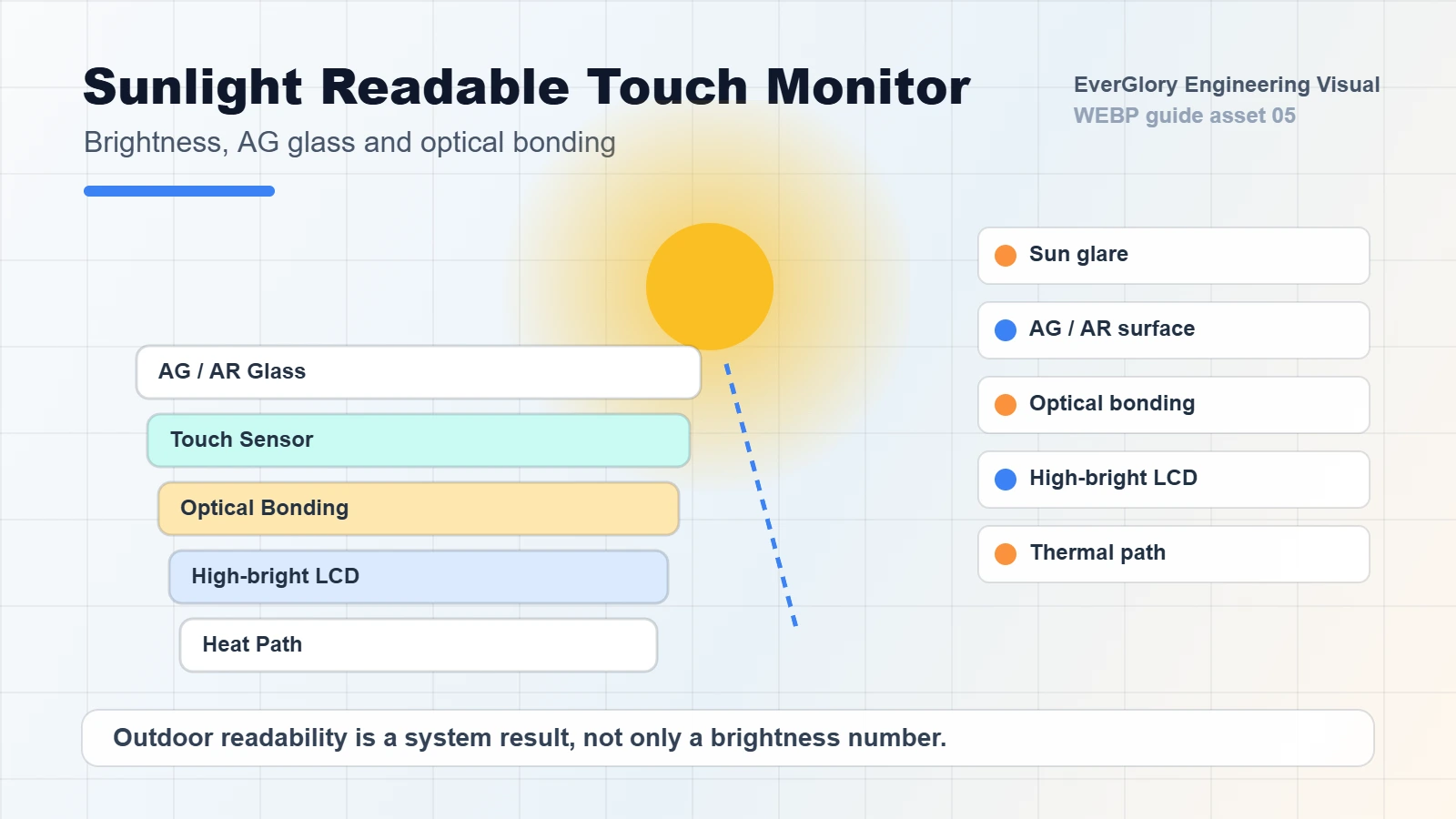
| Outdoor readability, glare, bonding, optical stack | Optical bonding and AG/AR/AF guide | Touch display module |
| EV charging, vending, parking, payment terminal | Self-service terminal and EV charging guide | Self-service terminal solutions |
Engineering Decision Flow
- Start with the environment: indoor cabinet, semi-outdoor kiosk, direct sunlight, washdown, food equipment, vehicle, marine or factory line.
- Choose the integration form: panel mount, open frame, full monitor, touch display module, custom cover glass or touch panel PC.
- Confirm the viewing condition: brightness, reflection, viewing angle, optical bonding, AG/AR treatment and thermal space.
- Define touch behavior: bare finger, glove touch, wet touch, water rejection, thick cover glass, EMI exposure and cable length.
- Review mechanical fit: cutout, gasket compression, screw torque, glass edge protection, enclosure flatness and service access.
- Lock the RFQ package: drawing, interface, MOQ, lifetime plan, compliance needs, sample test method and production schedule.
Start With the Buyer Scenario, Not the Screen Size
Most weak RFQs start with a sentence like “we need a 15.6 inch touch screen.” A stronger industrial touch display RFQ starts with the job the display must survive. The same 15.6 inch PCAP monitor can require very different design choices depending on whether it is used in a dry factory cabinet, a food equipment washdown panel, an EV charging station, a forklift terminal or a self-service payment kiosk.
| Buyer Scenario | Typical Specification Direction | What to Clarify Before Sampling |
|---|---|---|
| Factory HMI cabinet | Panel mount monitor, PCAP or resistive touch, HDMI/VGA/DP input, USB touch, front IP65 if cleaning is required. | Panel cutout, cabinet thickness, cable exit, grounding method, operator glove type and service direction. |
| Outdoor kiosk or EV charger | High brightness, optical bonding, AG/AR glass, front IP65, wet touch tuning, vandal-resistant cover glass by project. | Sunlight angle, installation tilt, rain exposure, IK target, heating from enclosure and expected screen-on hours. |
| Food or washdown equipment | Sealed flat front, stainless or protected housing, chemical-compatible surface, wet glove operation. | Cleaning liquid, spray angle, gasket material, water pooling risk and rear connector protection. |
| Kiosk enclosure integration | Open frame touch monitor or touch display module, custom bezel alignment, bracket design and service access. | Glass opening, display support frame, screw points, cable bend radius, front lip clearance and dust path. |
| Embedded OEM device | Touch display module with LCD, PCAP sensor, controller board, FPC/cable and interface matching. | LVDS/eDP/MIPI/HDMI input, USB/I2C touch, mainboard connector, enclosure stack height and lifecycle requirement. |
Core Specification Questions Before RFQ
- What screen size, aspect ratio and active area are required?
- Is the product used indoors, outdoors, in a vehicle, in a factory or near water?
- Does the touch screen need glove touch, wet touch or thick cover glass support?
- Is the installation panel mount, open frame, embedded, VESA or custom bracket?
- What brightness is required: 350 nits, 500 nits, 1000 nits or higher?
- Does the display need front IP65 sealing, full enclosure protection or only dust resistance?
- Which interface is needed: USB, I2C, RS232, HDMI, VGA, LVDS, eDP or Type-C?
- Will the product face EMI, long cables, vibration, cleaning chemicals or wide temperature?
- Is optical bonding required for sunlight readability, anti-condensation or impact resistance?
- What service method will be used if the monitor needs replacement after installation?
Common Mistakes That Cause Rework
| Mistake | Why It Matters | Better Specification |
|---|---|---|
| Only asking for a screen size | The same size can require very different housing, touch and brightness choices. | Include size, mounting, environment, brightness, interface and touch behavior. |
| Treating IP65 as a sticker | Waterproof performance depends on gasket design, cabinet flatness and installation. | Define front IP65 or full enclosure protection and share the panel drawing. |
| Testing PCAP touch only on the bench | Grounding, LCD noise and cabinet design can change touch performance after assembly. | Test with final glass, enclosure, cable length, power supply and grounding method. |
| Choosing high brightness without thermal review | Outdoor brightness increases heat, power and lifetime pressure. | Balance brightness, bonding, cover glass treatment, ventilation and backlight lifetime. |
Specification Matrix for a Serious RFQ
Use this matrix when you send requirements to EverGlory or compare suppliers. It forces the RFQ to include the details that usually decide cost, sample risk and long-term reliability.
| RFQ Field | Useful Options | Why It Changes the Design |
|---|---|---|
| Size and format | 7, 10.1, 12.1, 15, 15.6, 17, 18.5, 21.5, 23.8, 27, 32 inch; 4:3, 16:9, wide format. | Controls LCD sourcing, housing tooling, cutout, brightness, thermal load and MOQ. |
| Display input | HDMI, VGA, DP, LVDS, eDP, MIPI, RGB, Type-C or adapter board. | Determines controller board choice, cable routing, power budget and host compatibility. |
| Touch interface | USB HID, I2C, RS232, UART or custom FPC. | Affects OS support, cable length, driver needs and EMI sensitivity. |
| Front surface | Clear glass, AG, AR, AF, tempered glass, chemically strengthened glass, custom printing. | Changes readability, cleaning behavior, impact resistance and optical bonding decision. |
| Protection target | No IP, front IP65, full enclosure rating, splash resistance, IK impact target. | Changes gasket design, connector protection, housing structure and test plan. |
| Lifecycle | Prototype, short run, annual batch, long-term OEM supply. | Controls component selection, alternate LCD planning and documentation depth. |
Recommended Product Paths
Use these product paths after reading the guide sections:
- Industrial touch screen monitor for finished monitors used in machines, kiosks, HMI stations and outdoor terminals.
- Touch display module for integrated LCD + PCAP + bonding projects.
- Custom capacitive touch panel for cover glass, sensor, FPC and controller customization.
- Touch panel PC for embedded computing and HMI control applications.
- Outdoor touch screen solutions for kiosks, EV charging stations, signage and public terminals.
Internal Link Plan for This Topic Cluster
This hub should link to each supporting guide near the top and again inside relevant sections. Each supporting guide should link back to this hub, then link sideways to the closest related guide. This creates a clear topical cluster around industrial touch display engineering rather than leaving each article isolated.
- Waterproof article links back here and to PCAP troubleshooting.
- Panel mount article links back here and to IP65 design for front sealing context.
- PCAP troubleshooting article links back here and to waterproof design for wet touch context.
- Future optical bonding article should link here, to waterproof design and to sunlight readable product pages.
- Future EV charging article should link here, to waterproof design and to outdoor touch solutions.
Engineering Review CTA
If your project involves outdoor use, sealed front panels, glove touch, optical bonding, panel mount installation or a custom PCAP stack, send EverGlory the size, application, drawing, interface, brightness, IP requirement and operating environment. Our team can review the touch display structure before you move into sample or batch production.
FAQ
What is the best industrial touch screen monitor for OEM equipment?
The best choice depends on installation style, environment, touch requirements and interface. Panel mount monitors are often used in machine cabinets, while open frame monitors suit kiosk or enclosure integration.
Does every outdoor touch display need optical bonding?
Not always, but optical bonding is useful when readability, reflection control, condensation reduction and mechanical stability are important.
Can PCAP touch work with gloves or water?
Yes, but glove and wet touch performance depends on the controller, sensor design, grounding, cover glass thickness and firmware tuning.
Should I choose a touch monitor, touch display module or touch panel PC?
Choose a touch monitor when you need a finished display, a touch display module when the LCD and touch stack will be integrated into your own enclosure, and a touch panel PC when embedded computing is required.
Touch Display Module Integration: engineering decision summary
Quick answer
A touch display module combines the touch stack and LCD for OEM integration, but it is not a finished monitor or panel PC. The buyer still needs to define display interface, touch controller, cable orientation, mechanical envelope, brightness and the bonding path.
Inputs to confirm
- LCD size, active area, resolution, brightness and display interface
- Touch interface/controller, host OS and cable orientation
- Mechanical envelope, mounting, bonding and environmental validation
Evidence boundary
Interface or controller options are not universally plug-and-play. Compatibility applies only to the reviewed host system and approved project configuration.
Related engineering guides
- PCAP Touch Panel Design Guide: Controller, Sensor, FPC and Anti-Interference
- Touch Screen FPC Tear Relief Line Design for Better Reliability
- AG / AR / AF Composite Glass Solution for High-End Touch Displays
- Chemical-Resistant Touch Displays: Glass, Coatings and Cleaning
Project next step: Review the relevant product or solution scope, the validation evidence boundary, and then send the project inputs for engineering review.

