
18.5 Inch NW02 Embedded Industrial Touchscreen Monitor
YL-GZNW02Q185TC-V1
A glass-front touch interface for equipment panels and kiosks. Compare three Full HD sizes and find the right fit for your enclosure.
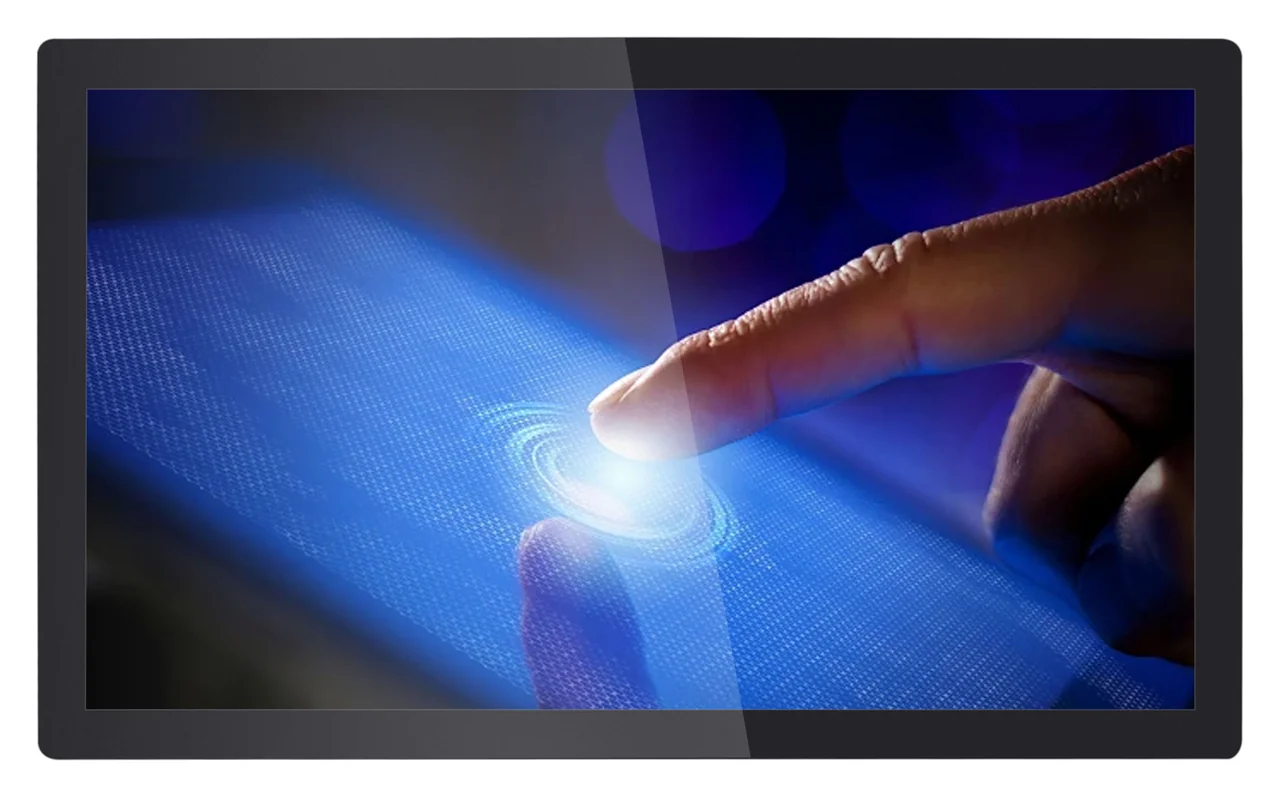
NW02 Series overview
NW02 is a three-model family of 18.5, 21.5 and 27-inch Full HD embedded industrial touchscreen monitors for equipment panels, HMI systems and indoor self-service terminals. Each TC model combines an LCD, PCAP touch, HDMI/VGA video input, USB touch communication, DC 12 V power and a 100 × 100 mm VESA pattern for use with an external computer or controller. Mechanical documentation and brightness configurations vary by model.
01 / MODEL SELECTION
Start with size, then compare brightness and temperature. Mechanical documentation is available for 21.5 inches; the other two sizes require a released drawing.
Brightness ranges describe the V1 specification, not automatic dimming or confirmed stock. Agree the configuration and availability in your quotation.
02 / APPLICATION FIT
Use these integration scenarios to define your requirements. Suitability depends on the selected model, host and enclosure.
Use NW02 as an external-host touchscreen interface for machine control, equipment operation, process visualization and setup interfaces. An external computer or controller supplies the application, with HDMI/VGA for video and USB for touch communication.
Compare a compact 18.5-inch layout with 21.5 or 27-inch interfaces for information, navigation and transaction workflows.
Bring the display, touch surface and host into a coordinated equipment design with mounting reviewed before tooling.
The NW02 V1 documents do not state an IP rating. A higher luminance specification does not establish rain, washdown or unprotected outdoor suitability.
03 / MECHANICAL INTEGRATION
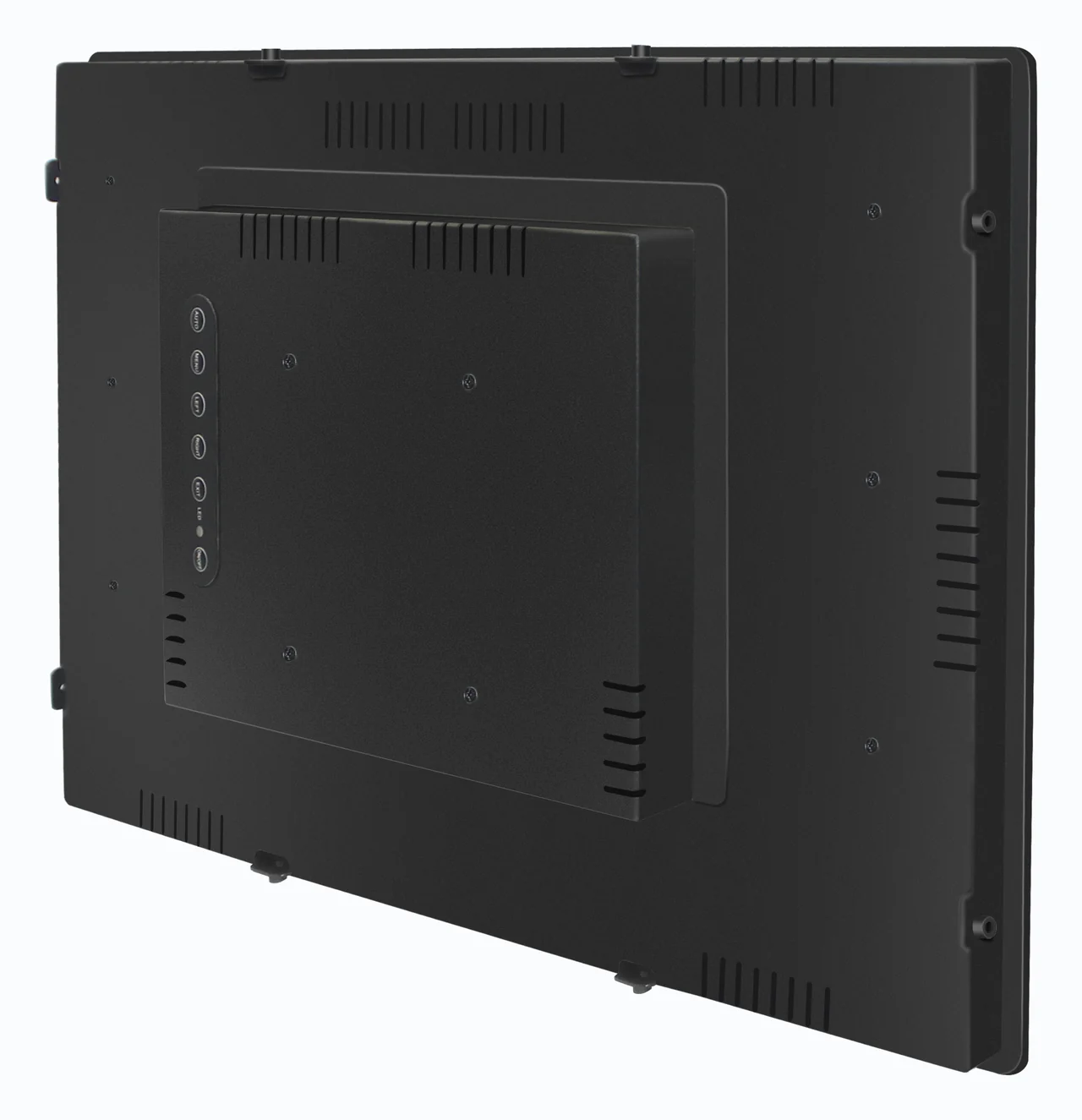
Glass-front presentation with a sheet metal back plate and rear cover.
NW02 is described as a bezel-less range. This refers to the front presentation; it does not mean a zero-width display border. Review the glass outline, visible area and mounting arrangement as one assembly.
The 21.5-inch V1 outline is 516 × 311 × 44.5 mm. VESA spacing is not a cutout size. Confirm tolerances, screw engagement, cable bend radius and rear ventilation before releasing your enclosure.
Review the 21.5-inch mechanical reference ↗HOST CONNECTION
The TC models are monitors for an external computer or controller. Connect video, touch communication and power to the appropriate interfaces.
DC 5521 power connector. Host OS compatibility and any application-specific touch requirements should be confirmed for the supplied configuration.

04 / TECHNICAL COMPARISON
Values below are taken from the three complete-unit TC V1 specifications. Panel-component data is not substituted for whole-monitor data.
| Specification | 18.5″YL-GZNW02Q185TC-V1 | 21.5″YL-GZNW02Q215TC-V1 | 27″YL-GZNW02Q270TC-V1 |
|---|---|---|---|
| Resolution | 1920 × 1080 | 1920 × 1080 | 1920 × 1080 |
| Luminance¹ | 300–1,000 cd/m² | 300–1,000 cd/m² | 300 cd/m² |
| Contrast ratio | 1000:1 | 1000:1 | 1000:1 |
| Viewing angle² | 89 / 89 / 89 / 89° | 89 / 89 / 89 / 89° | 89 / 89 / 89 / 89° |
| Display response time | 14 ms | 14 ms | 14 ms |
| Touch response time | ≤5 ms | ≤5 ms | ≤5 ms |
| Operating temperature | −20 to 70°C | −20 to 60°C | 0 to 50°C |
| Storage temperature | −20 to 70°C | −20 to 60°C | −20 to 60°C |
| LCD MTBF³ | 50,000 h | 30,000 h | 30,000 h |
| Operating power, maximum | ≤40 W | ≤40 W | ≤40 W |
| VESA mounting pattern | 100 × 100 mm | 100 × 100 mm | 100 × 100 mm |
| Overall dimensions, W × H × D | Not released in V1 | 516 × 311 × 44.5 mm | Not released in V1 |
| Mechanical documentation | 2D drawing pending development | Dimensions and 2D drawing provided in V1 | 2D drawing pending development |
¹ Confirm the supplied brightness configuration with the quotation. The 27-inch model is listed at 300 cd/m².
² The source lists four directional viewing angles without identifying their order.
³ LCD MTBF is a source specification, not a warranty period or a claim for complete-system service life.
Net weight is TBD in all three V1 documents. 18.5 and 27-inch overall dimensions are not provided.
1 monitor · 1 power adapter · 1.8 m power cable · 1.8 m HDMI cable · 1.5 m USB cable
Confirm plug type, final cable set and any mounting accessories with the order.
05 / QUALITY & TECHNICAL EVIDENCE
Build your project review around the selected hardware, released drawing and applicable test documentation.
Review EverGlory’s quality and testing information, then identify the inspection criteria and evidence needed for your NW02 application.
Explore quality & testing ↗Review the production quality and traceability approach. Align the agreed model, configuration and inspection records with your purchase requirements.
Explore production traceability ↗The V1 specifications list EN55032 Class A and ESD ±4 kV contact / ±8 kV air, criterion B. These specification entries are not a substitute for a full test report or certification. Request the applicable evidence for the exact hardware revision when required.
06 / ENGINEERING DOWNLOAD
Download the English NW02 technical reference for model comparison, connection planning and the documented 21.5-inch outline.
Compiled by DongGuan Ever Glory Photoelectric co., Ltd. Technical source: model-specific V1 documents. English compilation: EN1, October 2026. The compilation revision does not change the source specification revision.
18.5 · 21.5 · 27 inches
Model data, documentation status and integration notes
07 / SELECTION QUESTIONS
Answers grounded in the model documents and the integration decisions they leave open.
NW02 is a glass-front industrial touchscreen monitor series for equipment-panel and embedded enclosure integration. The three TC models combine a Full HD LCD and capacitive touch; an external computer or controller provides the application. Select the model by screen size, brightness, operating temperature and mechanical fit.
The NW02 family is described as bezel-less in the product range, referring to its glass-front presentation. It does not mean a zero-width display border or a bare open-frame LCD. Confirm the glass outline, visible display area, mounting method and enclosure cutout against the selected model’s mechanical drawing.
The model-specific V1 specifications cover 18.5, 21.5 and 27-inch monitors. The 21.5-inch V1 document includes a 516 × 311 × 44.5 mm outline and a 2D drawing. The 18.5 and 27-inch documents mark the 2D drawing as pending development and do not provide overall dimensions. Confirm mechanical release and order availability before finalizing either installation.
No. The 18.5 and 21.5-inch V1 specifications list 300–1,000 cd/m²; the 27-inch V1 specification lists 300 cd/m². Agree the required luminance and supplied configuration with the quotation. The range does not establish automatic brightness control or stock availability.
Use HDMI or VGA for video, USB for touch communication, and DC 12 V at the DC 5521 power connector. The TC specifications describe touchscreen monitors, not all-in-one computers. Confirm the host operating system, cable routing and any touch-driver requirements for the actual application.
All three V1 specifications list a 100 × 100 mm VESA pattern and wall, internal-embedded and external-embedded mounting descriptions. VESA hole spacing is not a panel-cutout dimension. Confirm the complete mounting geometry, fastener details, rear clearance and enclosure drawing before manufacture.
The three complete-unit V1 specifications do not state an IP rating. Evaluate any exposed installation with the required enclosure sealing, drainage, condensation control and thermal design. Brightness alone does not establish waterproofing or suitability for unprotected outdoor use.
The source documents state capacitive touch, USB driver-free communication and a touch response time of 5 ms or less. They do not establish glove or wet-touch performance, a simultaneous touch-point count, optical bonding or specific operating-system versions. Include any of these requirements in the application review.
Each V1 packing list includes one touchscreen monitor, one power adapter, a 1.8 m power cable, a 1.8 m HDMI cable and a 1.5 m USB cable. Confirm the final cable set, plug type and mounting accessories with the order.
The V1 specifications list EN55032 Class A for radiated emissions and ESD levels of ±4 kV contact and ±8 kV air, criterion B. These are specification entries; the supplied documents do not include a corresponding full test report or certificate number. Request the applicable report and hardware revision when conformity evidence is required.
08 / PROJECT INQUIRY
Share your display requirements to request model guidance, the applicable mechanical drawing and a quotation.
Model availability, drawing release, supplied configuration, lead time and commercial terms are confirmed with the quotation.
Contact the EverGlory team ↗DongGuan Ever Glory Photoelectric co., Ltd
admin@evergloryltd.com · evergloryltd.com
Prepare and review your project brief, then copy it to our contact form or an email.